
If you want to send a document just for viewing, without the receiver being able to edit your document, it is best to send PDF document rather than a Microsoft Word document.
Here is how convert your Microsoft word document into PDF document:
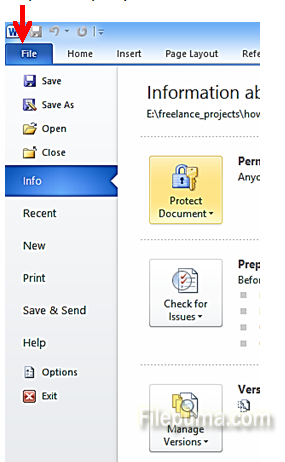
Step One: Open your document in MS Word. Select “File” from the top task bar:
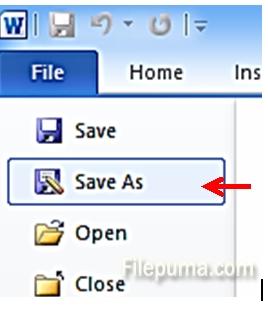
Step Two: Select “Save As” from the File Menu:
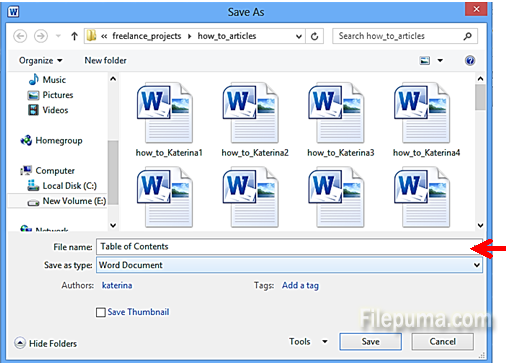
Step Three: In the new window which opens, type the name for your file:
Step Four: Click on the dropdown button next to “Save as type: Word Document”:
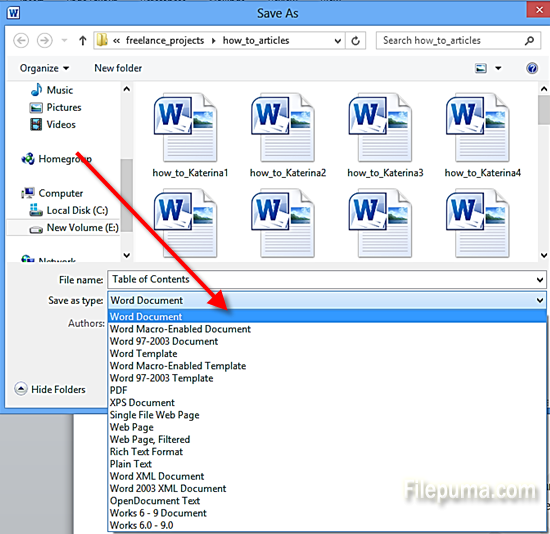
Step Five: Select “PDF”:

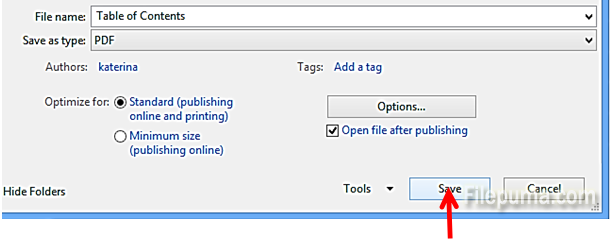
Step Six: Click “Save” and your document is ready into a PDF format:
Leave a Reply