
Before you lose your Blackberry, or in case you switch phones, it is a good idea to create a backup of your contacts from the Blackberry device.
Here is how to backup your contacts using Blackberry Link Software:
Step One. Connect your Blackberry to the computer using a cable and start BlackberryLink.:

Step Two. Click on the “settings” icon in the top right-most corner:

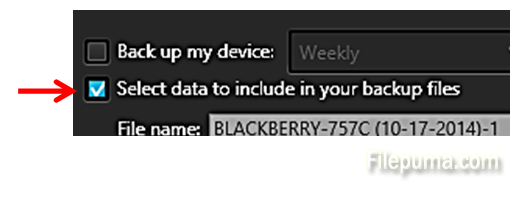
Step Three. Under “Backup”, click on ”Select data to include in your backup files”:
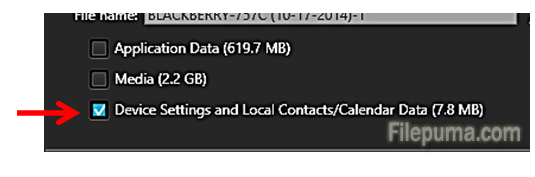
Step Four. Tick the box for “Device Settings and Local Contacts/Calendar Data”:
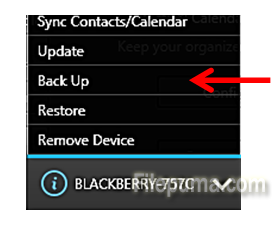
Step Five. Now click on the dropdown next to your phone in the bottom left corner, and select “Back up”:
Now your backup will be saved to your laptop. Please, be aware that it may take some time for backup to complete.
Leave a Reply