
With Batch File Renamer, a user can rename and change up to 1 million filenames, extensions and attributes at once with no messy installing. Here is the instruction to let you know how to rename a batch of files at once with Batch File Renamer.
1. Download and install Batch File Renamer from here:
http://www.filepuma.com/download/batch_file_renamer_8.2-7279/
2. Set the “Generate File Names” to the method you want by using the combo destination box.
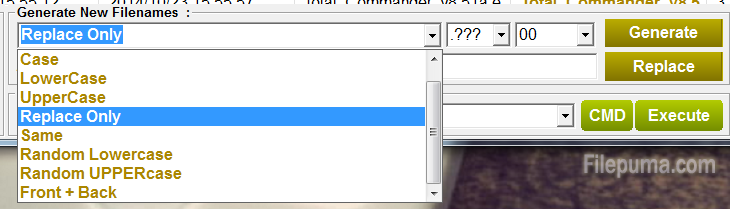
3. Use the “Replace text box :” and put in the content A. Use the “With : text box” and put in the content B. Press the “Replace” button, all contents in destination the files will be replaced.

4. You could check New Filenames column to see if correct.
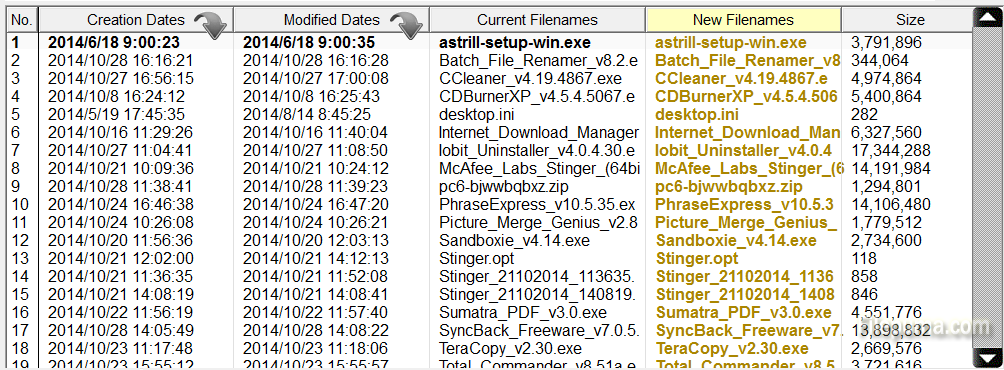
5. If all naming is correct press the “Start Renaming” Button to start the renaming process.

Leave a Reply