
Some of your photos or pictures may be in JPG format, which is commonly used for its excellent compression. However, you may want to convert your .JPG image into a BITMAP (.bmp extension) file, which may be needed in some software. Bitmap images are generally with higher quality and have a bigger size.
Here is how to change JPG image into a BITMAP image:
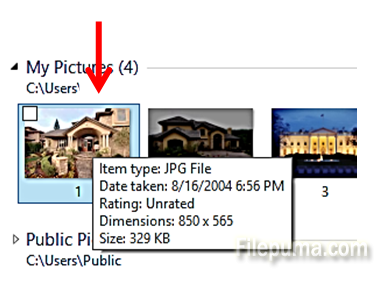
Step One. Open the folder with your image and right-click on the image or photo:
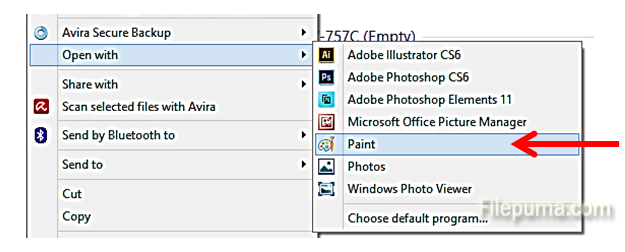
Step Two. Select “Open with…” and click on “Paint”:
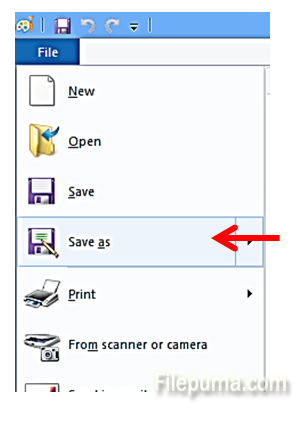
Step Three. In Paint program, Click on “File” and select “Save As”:
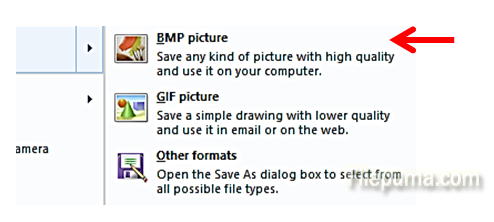
Step Four. Select “BPM picture”:
Step Five. Type the name for your image and click “Save”
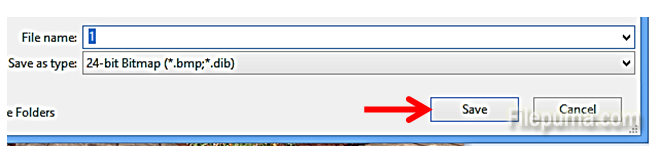
Your JPG image will now be saved as a BMP image.
Leave a Reply