
Every time you open Office 2007, it keeps configuring install for a minute and then enters the program. What can we do? Here we recommend you a solution to put an end to this trouble.
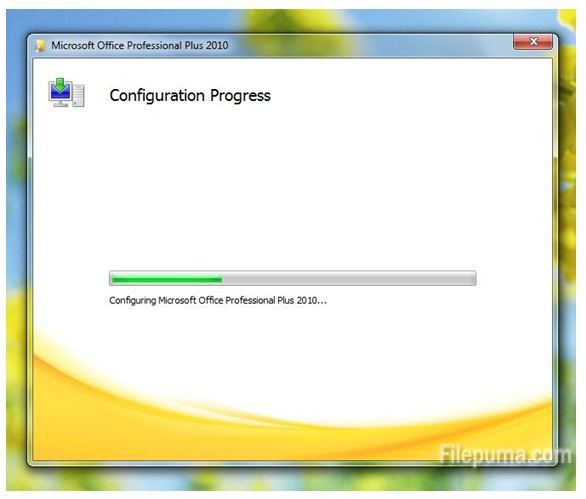
Steps:
1. Press WIN+R
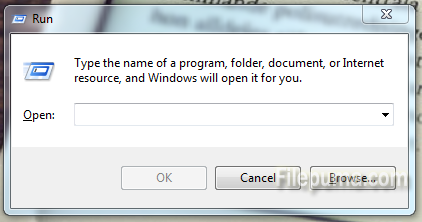
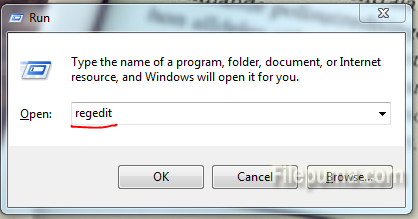
2. Enter “regedit”, press “Enter”
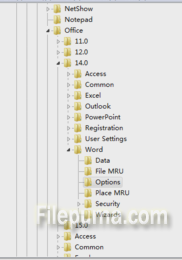
3. Find “HKEY_CURRENT_USER\Software\Microsoft\Office\14.0\Word\Options”
4. Right click on the right margin, create new options: DWORD (32-bit) value (D)
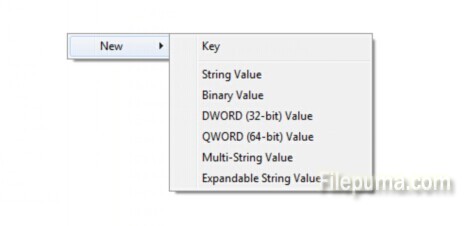
5. Right click on the “New Value #1”, choose “Rename”
6. Rename the name to “NoRereg”(note: N, R should be capital)
7. Right click on the “NoRereg”, choose “Modify…”
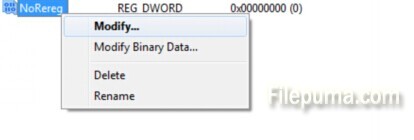
8. Change the number from 0 to 1,, and click OK.
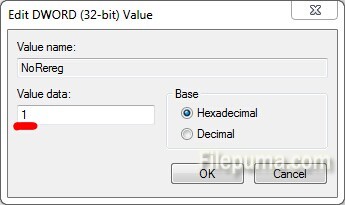
9. Now everything is OK, problem has been solved.

Leave a Reply