
Sometimes unintentionally you may delete the “My Computer” icon from your desktop. It is a very handy and useful icon so here is an easy way to get it back.
Here is how to restore your “My Computer” onto your desktop:
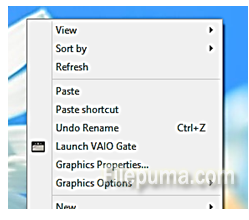
Step One. Right-click anywhere on empty desktop space to get this menu:
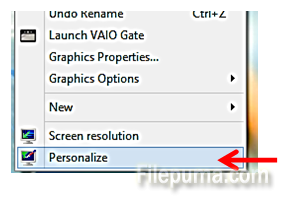
Step Two. Select “Personalize”:
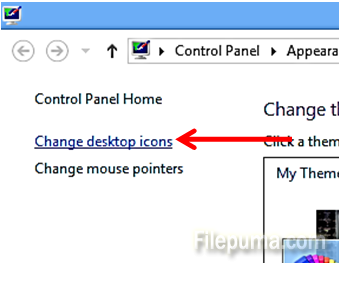
Step Three. On the left side pane, select the option which states “Change desktop icons”:
Step Four. In the new window, select the tick which says “Computer”
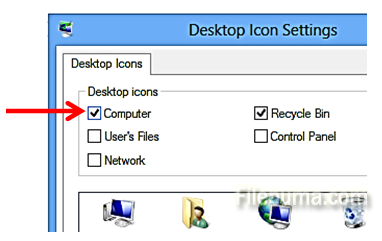
Your “My Computer” is restored on the desktop!
Leave a Reply