
A document is always easier to read if it has pictures in addition to the text. You can use your own images (photos or drawings) to add to a document in Microsoft word.
Here is how to your own pictures in your document:
Step One: Open your document in MS Word. Select the place where you would like to insert a photo or a picture:
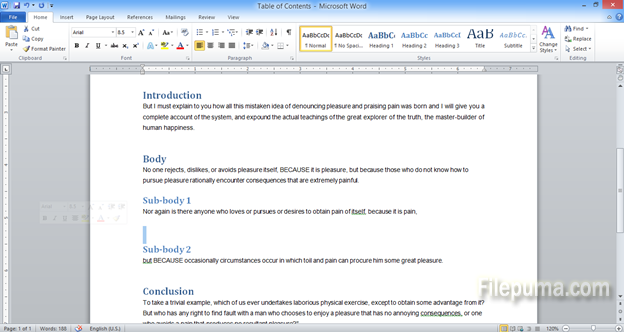
Step Two: From the top menu, select “Insert”:
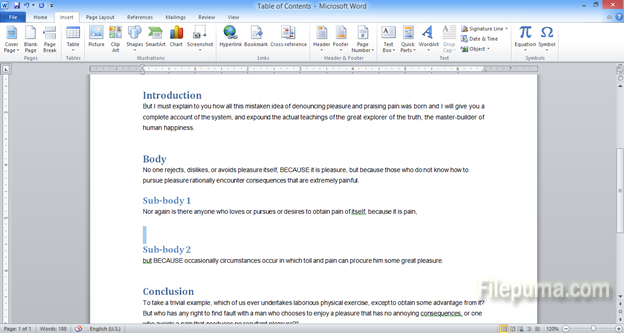
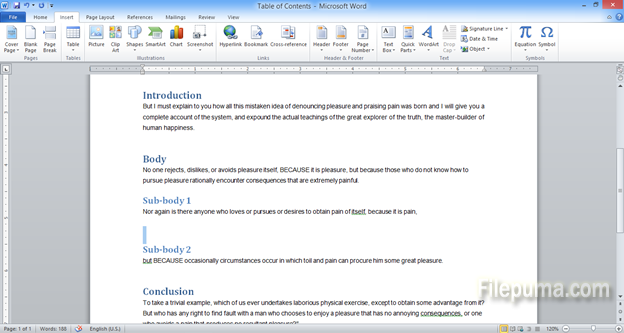
Step Three: On the new toolbar, click “Picture”:
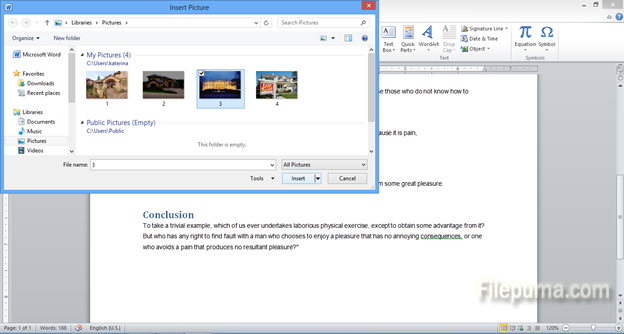
Step Four: Navigate to the folder where you have saved your photos. Select an image and click “Insert”:
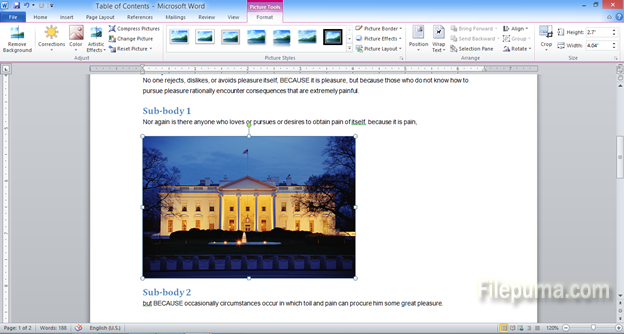
Step Five: Your picture is ready in your document:
Leave a Reply