

Media players have become an essential part of our lives. They allow us to enjoy various forms of media, such as music, videos, and movies, on our Windows devices. With a plethora of options available, it can be challenging to choose the best media player that fulfills all our needs while remaining free of cost. Here, we will explore and evaluate several popular media players for Windows, ultimately identifying the best free media player available.
VLC Media Player
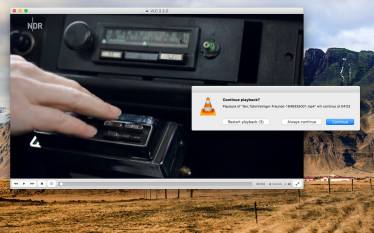
VLC Media Player is undoubtedly one of the most renowned media players for Windows. Its reputation is well-deserved due to its exceptional versatility and extensive codec support.
VLC can handle almost any media format thrown at it, making it a reliable choice for users with diverse media libraries. Moreover, its intuitive interface and simple controls make it accessible to both novice and advanced users. VLC’s cross-platform compatibility and frequent updates further enhance its appeal.
Pros
- Reliable and fast
- Completely free with no hidden costs
- Active development and frequent updates
Cons
- UI feels outdated
- Occasional playback lag with 4K files
5KPlayer
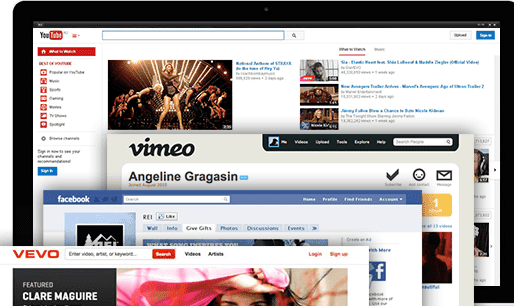
5KPlayer is a free media player for Windows that supports 4K, 5K, and even 8K video playback. It combines media streaming, video downloading, and AirPlay/DLNA capabilities in a single platform. Users can watch local or online videos, stream to smart TVs, and listen to internet radio.
Pros:
- Supports high-resolution video (4K/5K/8K)
- Includes AirPlay and DLNA streaming
- Built-in video downloader
Cons:
- Contains ads and promotional popups
- Tries to install additional software during setup
GOM Player
GOM Player is a popular multimedia player that offers a versatile and user-friendly experience. With support for a wide range of video and audio formats, it allows you to play your favorite media files effortlessly.
GOM Player boasts advanced features such as customizable skins, subtitle support, and video playback settings. Its intuitive interface ensures smooth navigation and quick access to essential functions.
Pros
- Easy to use
- Handy for downloading missing codecs
- Supports VR content
Cons
- Ad-supported
- Tries to install additional software
Daum PotPlayer

Daum PotPlayer is a versatile multimedia player widely acclaimed for its exceptional performance and extensive format support. With a user-friendly interface, PotPlayer offers a seamless playback experience for various media files, including video, audio, and subtitles. It boasts advanced features like hardware acceleration, 3D playback, and support for high-resolution formats.
PotPlayer also provides customization options, allowing users to personalize their viewing experience. Moreover, it offers comprehensive codec support, ensuring compatibility with a wide range of file types.
Pros
- Excellent performance with HD and 4K content
- Highly customizable
- Lightweight on resources
Cons
- Interface can be overwhelming
- Installer may include promotional offers
KMPlayer
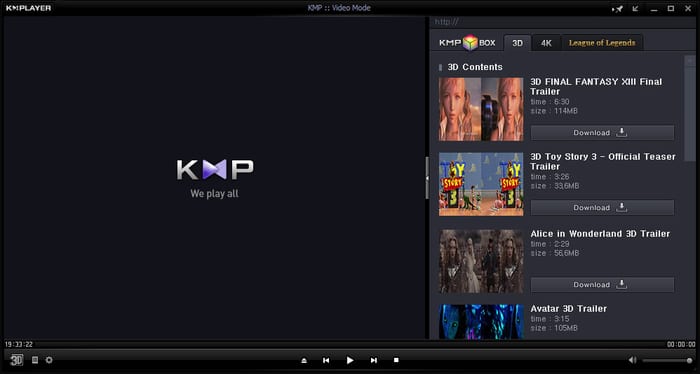
KMPlayer is a free multimedia player for Windows that supports a wide range of video and audio formats, including 4K and 8K. It offers built-in codecs, subtitle support, screen capture, and even VR playback. With a sleek interface and advanced features, it appeals to users seeking both power and flexibility.
Pros:
- Supports high-resolution video (4K/8K/VR)
- Customizable interface and playback settings
- Built-in subtitle search and codec support
Cons:
- Includes ads and promotional content
- Installer may offer unwanted software
MediaMonkey
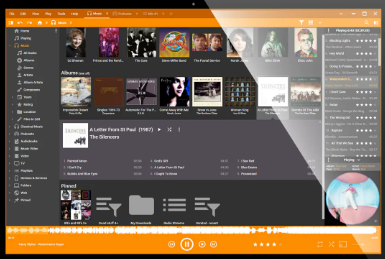
MediaMonkey is a powerful media management software for Windows, ideal for organizing large music and video collections. It supports a wide range of audio formats, auto-tagging, CD ripping, and playlist creation. With its advanced library tools and sync features, it’s popular among audiophiles.
Pros:
- Excellent for managing large libraries
- Supports advanced tagging and organization
- Syncs with Android devices
Cons:
- Some features require the paid Gold version
- Interface may feel outdated
AVS Media Player

AVS Media Player is a free multimedia player for Windows that supports a wide range of video, audio, and image formats. It offers a user-friendly interface, surround sound support, and the ability to create playlists and view images as slideshows. Designed for ease of use, it’s ideal for casual users who want a simple, reliable player.
Pros:
- Supports many formats
- Easy-to-use interface
- Includes image and audio playback
Cons:
- Limited advanced features
- Windows-only
- No streaming support
Kodi
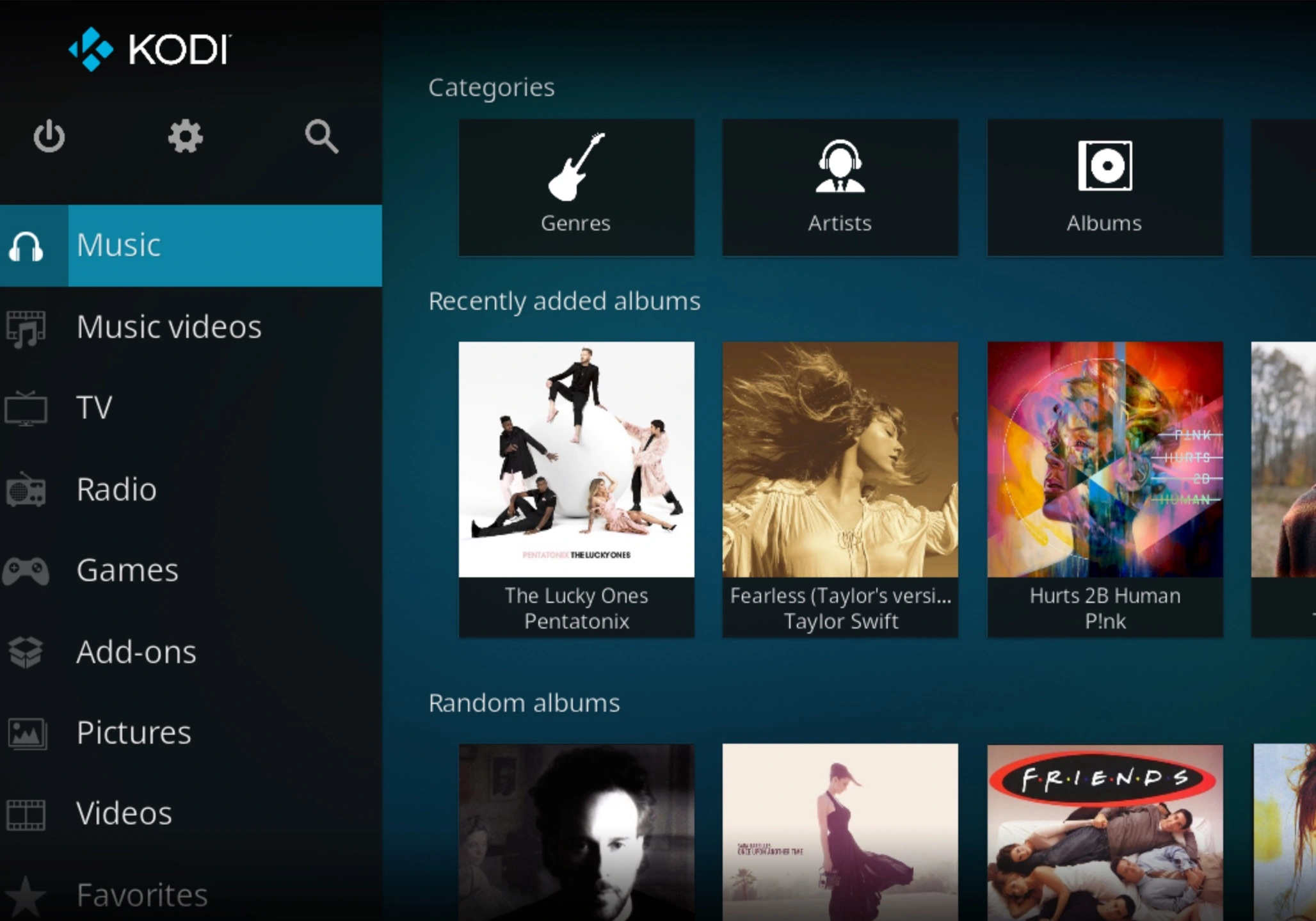
Kodi is a free, open-source media center that lets users play and organize videos, music, podcasts, and more from local or online sources. It supports numerous add-ons for streaming services, making it ideal for home theater setups.
Pros:
- Highly customizable with skins and plugins
- Supports a wide range of media formats
- Great for streaming and media organization
Cons:
- Setup can be complex for beginners
- Can be resource-intensive on low-end PCs
AllPlayer

ALLPlayer is a free media player for Windows that supports a wide range of video and audio formats. It features automatic subtitle downloads, intelligent subtitle display, and built-in codecs. ALLPlayer also supports streaming, parental controls, and playback from torrents, making it suitable for both casual and advanced users.
Pros:
- Supports many formats and codecs
- Auto subtitle downloader
- Built-in parental controls
Cons:
- Contains ads
- Interface may feel cluttered
Choosing a good media player software is crucial for an optimal multimedia experience. A suitable media player ensures smooth playback, supports various file formats, and offers advanced features like subtitle synchronization and audio equalization. It enhances the visual and auditory quality, making the viewing or listening experience enjoyable. Additionally, a reliable media player provides a user-friendly interface and regular updates for enhanced functionality and security. Take your time to find the right media player that meets your needs and preferences, and elevate your multimedia experience to the next level.