
Reading ebooks on Windows desktops has become increasingly popular as more people shift toward digital formats for learning, entertainment, and professional development. Whether you’re an avid reader, a student, or a researcher, having the right ebook reading tool can greatly enhance your digital reading experience. This review explores some of the best ebook readers available for Windows desktops, evaluating them based on user interface, supported formats, customization options, and overall performance.
Calibre
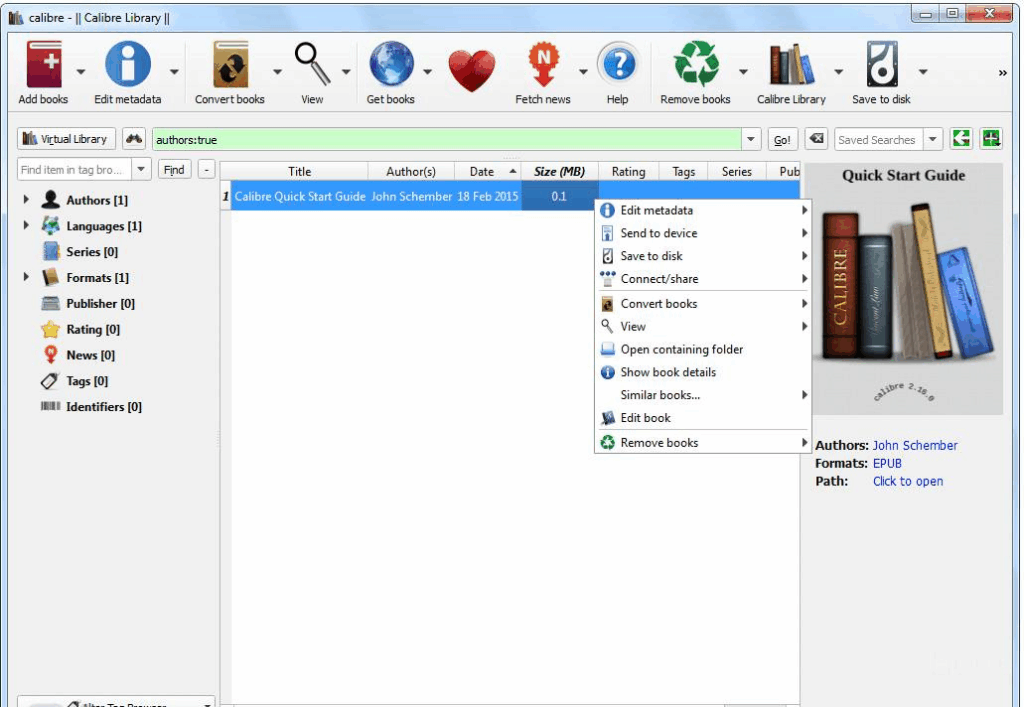
Calibre is more than just an ebook reader — it’s a powerful ebook management suite. Designed for readers who want full control over their ebook libraries, Calibre supports nearly every ebook format, including EPUB, MOBI, PDF, AZW3, and more.
Key Features
- Format conversion between most popular ebook types
- Library organization with metadata editing
- Syncing with various ebook devices
- Built-in ebook viewer with customizable layout
- News fetching from popular websites and blogs
Pros
- Completely free and open-source
- Extensive format support
- Regular updates and active community
- Great for power users and ebook collectors
Cons
- Interface can be overwhelming for beginners
- Not optimized for casual reading only
Sumatra PDF
Sumatra PDF is a lightweight reader that supports multiple document formats, including EPUB and MOBI. It’s perfect for users who want a no-fuss, fast ebook reader.

Key Features
- Reads EPUB, MOBI, PDF, CBZ, CBR, and more
- Extremely fast and low resource usage
- Portable version available
- Minimalist interface
Pros
- Tiny installation size
- No distractions — pure reading focus
- Ideal for older or low-powered PCs
Cons
- No library management
- Limited features like highlighting or bookmarks
Icecream Ebook Reader
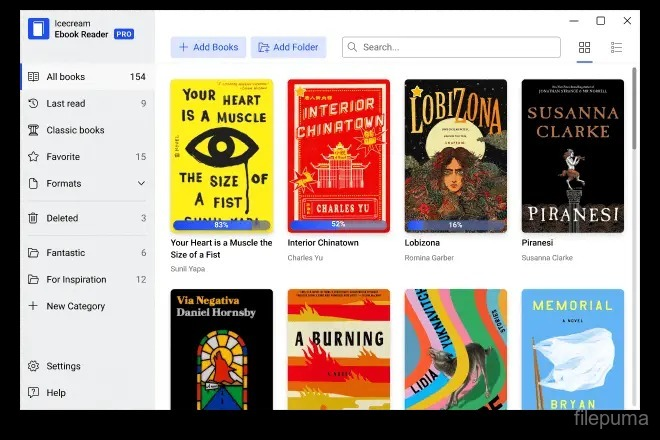
Icecream Ebook Reader offers an elegant interface and a feature-rich experience tailored to EPUB and MOBI reading. It includes a night mode, reading progress tracking, and a virtual library shelf.
Key Features
- EPUB, MOBI, PDF, FB2, CBR, and TXT support
- Library management tools
- Night mode and full-screen support
- Bookmarks and highlighting
Pros
- Visually appealing UI
- Easy to navigate and use
- Good organization and progress tracking
Cons
- Free version has limitations
- No support for DRM content
Kindle for PC
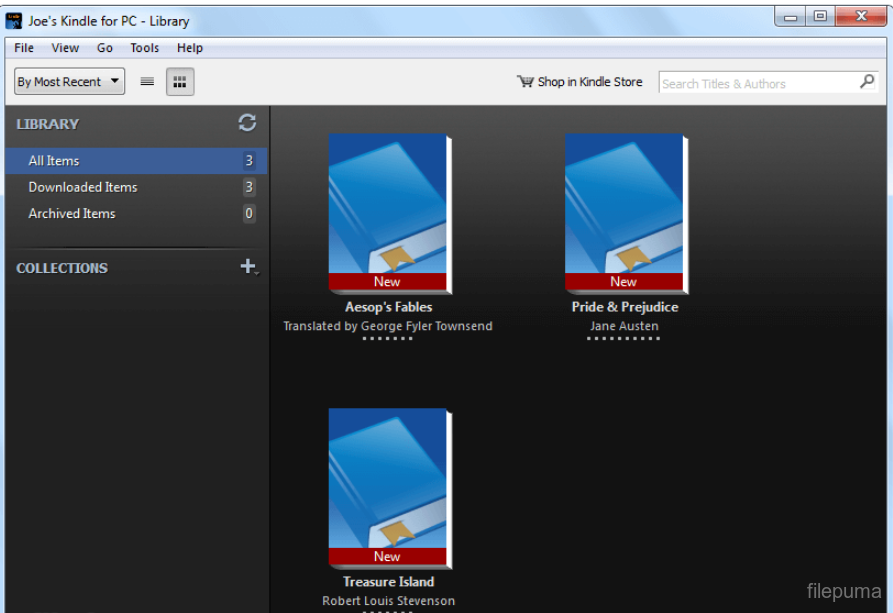
Kindle for PC brings Amazon’s extensive ebook ecosystem to Windows desktops. It allows users to read their purchased Kindle books and sync progress across all Kindle-compatible devices.
Key Features
- Access to Amazon Kindle library
- Sync reading progress, highlights, and notes
- Text size and layout customization
- Integrated dictionary and Wikipedia lookup
Pros
- Seamless access to Kindle books
- Excellent syncing with mobile Kindle apps
- Built-in note-taking and highlighting
Cons
- Only supports Amazon-purchased ebooks
- No EPUB support
- Requires Amazon account
Windows users are spoiled for choice when it comes to ebook reading tools. Whether you’re looking for advanced features, minimalist interfaces, or comic book support, there’s a reader that fits your preferences. Carefully evaluating your reading habits and format requirements will lead to the ideal tool for your digital bookshelf.