
Looking for a free Mac cleaner? Try diCleaner

CBackup4.0.0
 Free Trial
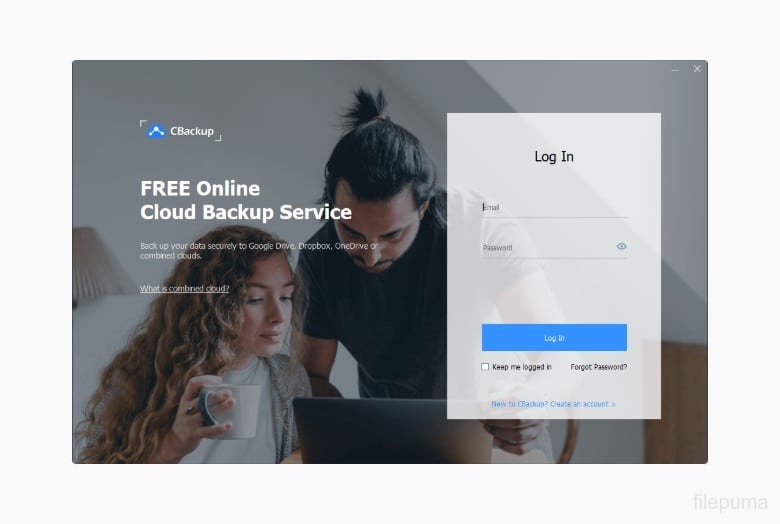
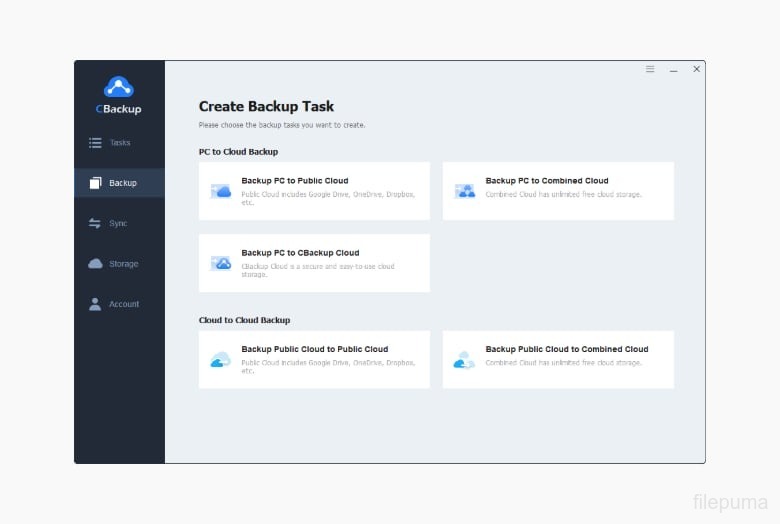
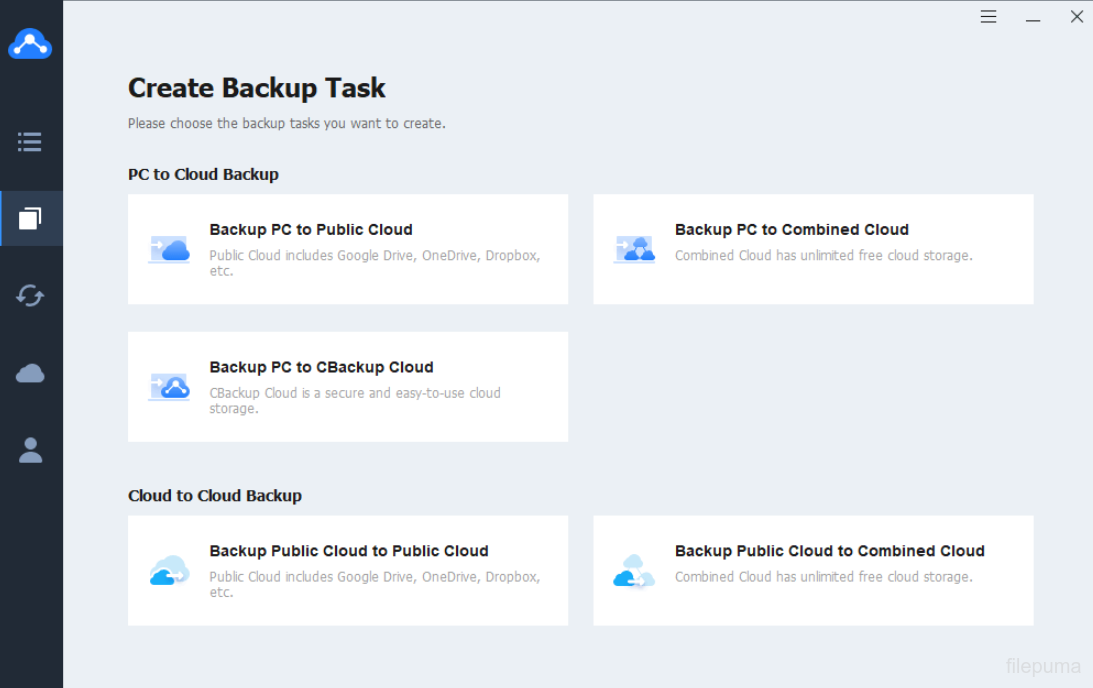
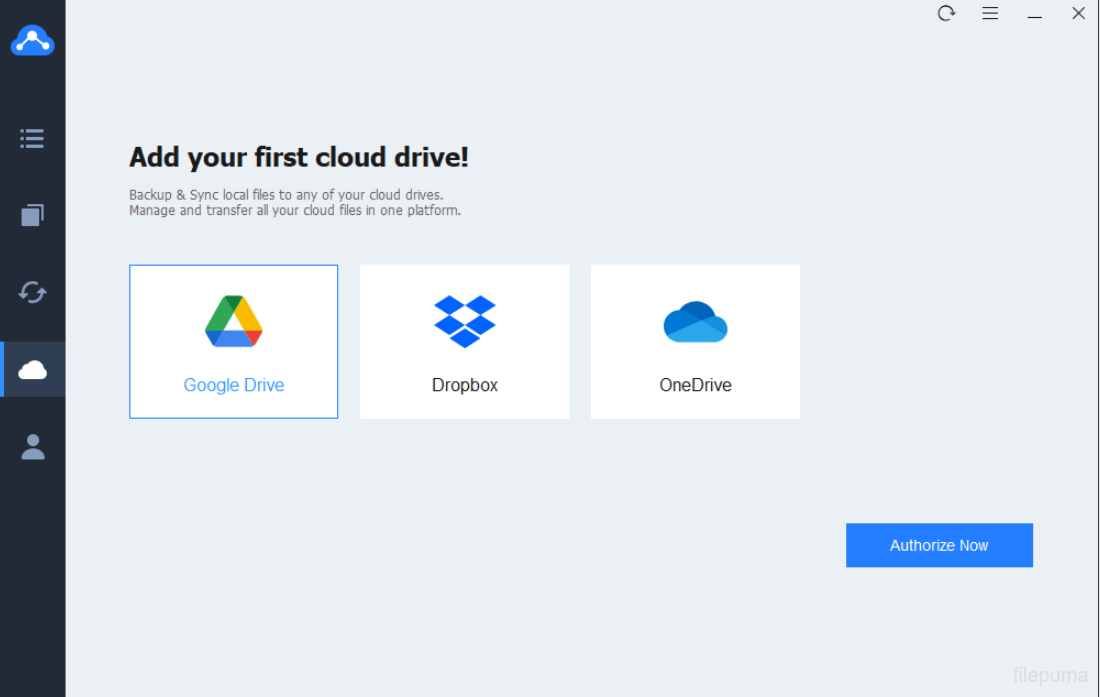


CBackup is a cloud-based backup solution designed to help users protect important data and ensure its accessibility anytime. It supports backing up files, folders, and entire systems to secure cloud storage, offering peace of mind against data loss caused by accidental deletion, hardware failure, or other unexpected events. With its intuitive interface, even those with minimal technical skills can set up and manage backups quickly.
CBackup allows users to back up data not only to its own cloud space but also to popular third-party cloud services such as Google Drive, Dropbox, and OneDrive. This flexibility enables seamless integration with existing storage solutions, optimizing space usage and backup efficiency. Automatic scheduling ensures that backups occur regularly without manual intervention, reducing the risk of outdated data.
CBackup also supports cloud-to-cloud backup and sync, making it easy to transfer or duplicate data between different cloud accounts. Data is transmitted using secure encryption methods, safeguarding it from unauthorized access. Additionally, the service provides versioning, allowing users to restore previous file versions if needed.
Whether for personal use or small business needs, CBackup offers a reliable and convenient way to keep valuable files safe, accessible, and organized in the cloud, ensuring business continuity and personal data security.
Key Features:
- Cloud to Cloud Backup – Transfer and back up data directly between different cloud services without downloading.
- Cloud to Local Backup – Back up cloud files to a local computer for extra protection.
- Cloud Storage Combination – Merge multiple cloud accounts to expand available storage space.
- Scheduled Backup – Automate backups daily, weekly, or monthly for convenience.
- Incremental Backup – Save time and storage by only backing up changed or new files.
- File Sync – Keep files updated across devices and cloud platforms in real time.
- Data Security – Protect backups with advanced encryption during transfer and storage.
- Multiple Cloud Support – Works with Google Drive, Dropbox, OneDrive, and more.
- Easy File Restore – Restore specific files or entire backups with a few clicks.
- Web-Based Management – Manage backups from any device via a browser without installing software.
Program available in other languages
- Télécharger CBackup
- Herunterladen CBackup
- Scaricare CBackup
- ダウンロード CBackup
- Descargar CBackup
- Baixar CBackup
User Reviews
User Rating

License:
Free Trial
Requirements:
Windows 7/ Windows 8/ Windows 10/ Windows 11
Languages:
Multi-languages
Size:
55.36 MB
Publisher:
Updated:
Aug 12, 2025
Clean
Report Software
Latest Version
Developer's Software
 WinRAR (64bit) 7.23
 7-Zip (64bit) 26.05
 WinRAR (32bit) 7.01
 7-Zip (32bit) 26.05
 Google Drive 132.0.0.0
Security Levels
To avoid any potential harm to your device and ensure the security of your data and privacy, our team checks every time a new installation file is uploaded to our servers or linked to a remote server and periodically reviews the file to confirm or update its status. Based on this checking, we set the following security levels for any downloadable files.
 Clean
Clean
It is highly likely that this software program is clean.
We scanned files and URLs associated with this software program in more than 60 of the world's leading antivirus services; no possible threats were found. And there is no third-party softwarebundled.
 Warning
This program is advertising supported and may offer to install third-party programs that are not required. These may include a toolbar, changing your homepage, default search engine, or installing other party programs. These could be false positives, and our users are advised to be careful when installing and using this software.
 Disabled
This software is no longer available for download. It is highly likely that this software program is malicious or has security issues or other reasons.
Submit a Report
Thank you!
Your report has been sent.
We will review your request and take appropriate action.
Please note that you will not receive a notification about anyaction taken dueto this report.We apologize for anyinconvenience this may cause.
We appreciate your help in keeping our website clean and safe.