
Looking for a free Mac cleaner? Try diCleaner

DesktopNoteOK Portable (64bit)4.61
 Free Download
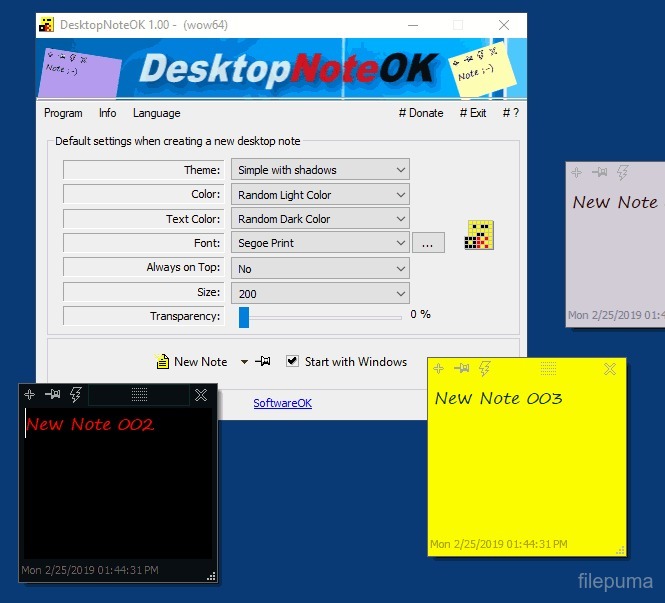
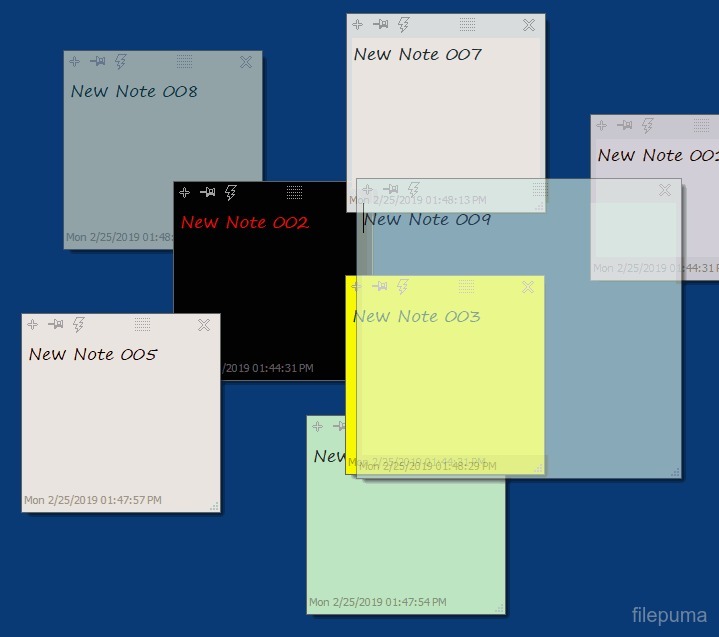
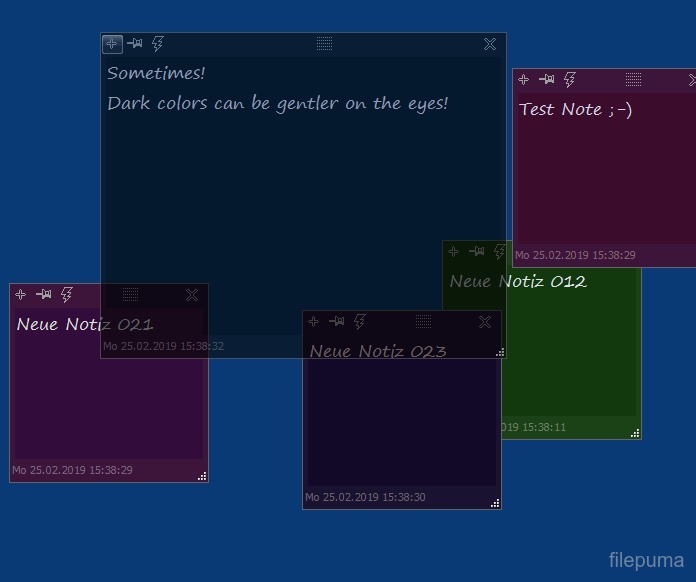


DesktopNoteOK Portable is a simple application that helps users keep notes directly on their desktop. It allows creating colorful sticky notes that remain visible over other windows, making it easy to remember tasks or important information. Its small size makes it convenient to carry on a USB drive.
The interface is clean and easy to understand. Notes can be quickly added, edited, or removed without navigating through complicated menus. Users can change the font, size, and color of each note, helping them organize information visually.
Saving and loading notes is straightforward. All notes can be saved to a single file, which can be backed up or moved between computers. This ensures that important reminders and information are not lost and can be accessed anytime.
DesktopNoteOK Portable also supports automatic placement of notes on the desktop. Notes stay in their position even after restarting the computer, making it easy to maintain a consistent layout. It is an ideal solution for keeping track of tasks, ideas, or deadlines without opening additional applications.
Key Features:
- Portable Version – No installation required; can run directly from a USB drive.
- Sticky Notes on Desktop – Create and place digital sticky notes on your desktop.
- Customizable Appearance – Change colors, fonts, and transparency of notes.
- Auto-Save Notes – Notes are automatically saved and restored after restarting the program or computer.
- Lightweight and Fast – Minimal system resources needed, quick to open and use.
- Multi-Language Support – Available in multiple languages for international users.
- Simple and User-Friendly Interface – Easy to create, edit, and manage notes.
Program available in other languages
- Télécharger DesktopNoteOK Portable (64bit)
- Herunterladen DesktopNoteOK Portable (64bit)
- Scaricare DesktopNoteOK Portable (64bit)
- ダウンロード DesktopNoteOK Portable (64bit)
- Descargar DesktopNoteOK Portable (64bit)
- Baixar DesktopNoteOK Portable (64bit)
User Reviews
User Rating

License:
Free
Requirements:
Windows 7 64/ Windows 8 64/ Windows 10 64/ Windows 11 64
Languages:
Multi-languages
Size:
0.28 MB
Publisher:
Updated:
May 9, 2026
Clean
Report Software
Developer's Software
 Q-Dir (32bit) 12.81
 Q-Dir (64bit) 12.81
 MeinPlatz (32bit) 8.66
 MeinPlatz (64bit) 8.66
 DesktopOK (64bit) 12.79
 DesktopOK (32bit) 12.79
 NewFileTime (32bit) 8.31
 NewFileTime (64bit) 8.31
 ProcessKO (64bit) 6.77
 ProcessKO (32bit) 6.77
 LibreOffice (64bit) 26.8.1
 Foxit PDF Reader 2026.2.1.39815
 Calibre (64bit) 9.16.0
 LibreOffice (32bit) 26.8.1
 Evernote 11.38.5
Security Levels
To avoid any potential harm to your device and ensure the security of your data and privacy, our team checks every time a new installation file is uploaded to our servers or linked to a remote server and periodically reviews the file to confirm or update its status. Based on this checking, we set the following security levels for any downloadable files.
 Clean
Clean
It is highly likely that this software program is clean.
We scanned files and URLs associated with this software program in more than 60 of the world's leading antivirus services; no possible threats were found. And there is no third-party softwarebundled.
 Warning
This program is advertising supported and may offer to install third-party programs that are not required. These may include a toolbar, changing your homepage, default search engine, or installing other party programs. These could be false positives, and our users are advised to be careful when installing and using this software.
 Disabled
This software is no longer available for download. It is highly likely that this software program is malicious or has security issues or other reasons.
Submit a Report
Thank you!
Your report has been sent.
We will review your request and take appropriate action.
Please note that you will not receive a notification about anyaction taken dueto this report.We apologize for anyinconvenience this may cause.
We appreciate your help in keeping our website clean and safe.