

DU Meter7.04
 Free Trial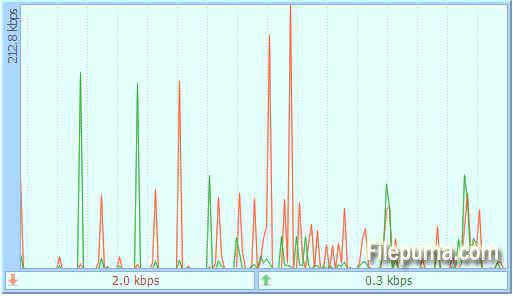
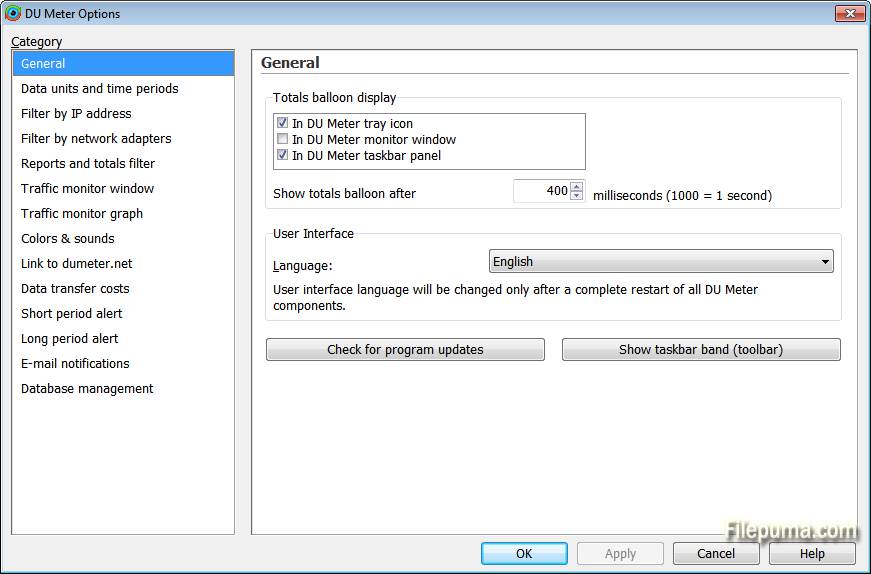
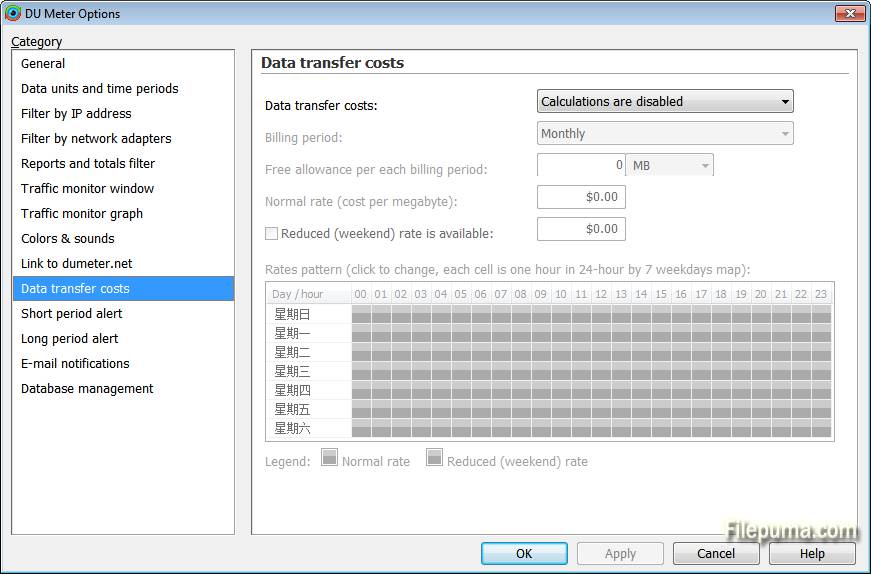
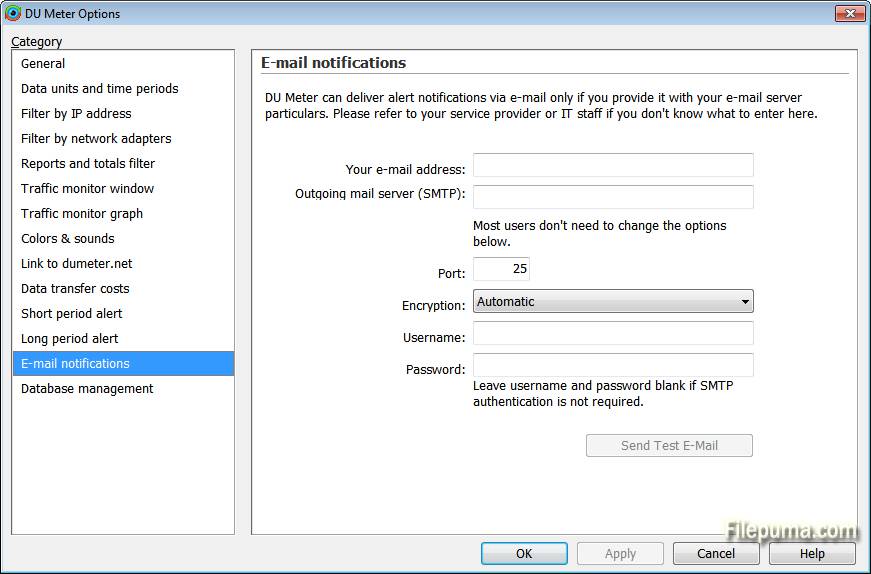


DU Meter is a comprehensive network monitoring tool designed to help users track their internet data usage and manage bandwidth efficiently. This software provides real-time statistics on data transfer rates, enabling users to keep an eye on their network activity and avoid unexpected overages.
One of DU Meter's standout features is its ability to display detailed graphical representations of data usage. Users can view real-time charts that illustrate both incoming and outgoing traffic, making it easy to understand network performance at a glance. This visual approach helps in identifying peak usage times and potential bottlenecks.
DU Meter offers customizable alerts and reporting functions. Users can set thresholds for data usage and receive notifications when they approach their limits. This feature is particularly useful for managing data plans with strict limits and ensuring that users stay within their allotted bandwidth.
DU Meter is a valuable tool for anyone who needs to monitor their network activity closely. Whether for personal use or within a business setting, its detailed statistics, visual charts, and customizable alerts make it a practical solution for managing internet data usage effectively.
Key Features:
- Real-Time Monitoring: Tracks your network speed and usage as it happens.
- Data Usage Stats: Shows how much data you use over different time periods.
- Custom Alerts: Notifies you when you reach certain data limits.
- Graphs and Charts: Visualizes your network activity with easy-to-read graphs.
- Usage Reports: Provides detailed reports on your data usage.
- Multiple Adapters: Monitors traffic on various network connections at once.
- Connection Details: Shows stats for each active network connection.
- Stealth Mode: Hides the tool’s interface while still tracking your data.
What's New
- Simultaneous monitoring of Internet and LAN traffic has been added. You can now seamlessly switch from seeing only Internet network traffic to LAN and vice versa with just one mouse click.
- DU Meter now sports per-application traffic monitoring! Ever wondered which application is using up all your network bandwidth? Guess no more: switch to the new per-application traffic monitoring tab in DU Meter and instantly see what's going on.
- Network Connections now shows accumulated per-connection and per-application traffic totals, while discriminating between Internet and LAN network traffic (DU Meter exclusive!).
- Wi-Fi signal monitoring is now available! From now on, a sudden change in network throughput can easily be correlated with Wi-Fi signal quality changes. See if improving your Wi-Fi reception can in fact improve your Internet experience.
- Much improved DU Meter main window: tabs to easily switch between new traffic monitoring modes, new color scheme for better blend with Windows 8 and Windows 10, new Metro look, snap-to-screen-edges borders, and more.
- Accessibility improvements for visually impaired users: DU Meter now fully respects and supports Windows high-contrast mode, and fonts and font sizes can be changed in Options.
- Full Windows 10 and Windows Server 2016 support. We have extensively tested DU Meter with the current pre-release version of Windows 10, resolved numerous issues and made sure it works perfectly. If any updates are required when Windows 10 is finally released, these updates will be free for registered DU Meter 7 users.
- Security (SSL) and Database (SQLite) components in DU Meter have been updated to improve compatibility and security.
- Many, many issues were fixed in DU Meter, both serious and purely cosmetic. DU Meter has been rigorously tested in diverse networking environments to make sure it is fully compatible with all networking equipment imaginable: from dial-up modems to 10 Gigabit network cards.
- Thanks to our users, many issues were fixed in DU Meter translations. All translations have been updated, and two new languages are introduced in this release: Chinese and Hungarian.
Program available in other languages
- Télécharger DU Meter
- Herunterladen DU Meter
- Scaricare DU Meter
- ダウンロード DU Meter
- Descargar DU Meter
- Baixar DU Meter
User Reviews
User Rating
 6
6
License:
Free Trial
Requirements:
Windows XP/ Vista/ Windows 7/ Windows 8/ XP 64/ Vista 64/ Windows 7 64/ Windows 8 64
Languages:
Multi-languages
Size:
6.5MB
Publisher:
Updated:
May 24, 2015
Clean
Report Software
Latest Version
Old Versions
Developer's Software
 DU Meter 9.01
 Glary Utilities 6.35.0.39
 Glary Utilities Pro 6.35.0.39
 CCleaner 7.03
 Driver Booster 13.1.0.171
 CrystalDiskInfo 9.7.2
Security Levels
To avoid any potential harm to your device and ensure the security of your data and privacy, our team checks every time a new installation file is uploaded to our servers or linked to a remote server and periodically reviews the file to confirm or update its status. Based on this checking, we set the following security levels for any downloadable files.
 Clean
Clean
It is highly likely that this software program is clean.
We scanned files and URLs associated with this software program in more than 60 of the world's leading antivirus services; no possible threats were found. And there is no third-party softwarebundled.
 Warning
This program is advertising supported and may offer to install third-party programs that are not required. These may include a toolbar, changing your homepage, default search engine, or installing other party programs. These could be false positives, and our users are advised to be careful when installing and using this software.
 Disabled
This software is no longer available for download. It is highly likely that this software program is malicious or has security issues or other reasons.
Submit a Report
Thank you!
Your report has been sent.
We will review your request and take appropriate action.
Please note that you will not receive a notification about anyaction taken dueto this report.We apologize for anyinconvenience this may cause.
We appreciate your help in keeping our website clean and safe.