

RoboForm7.9.11
 Free Trial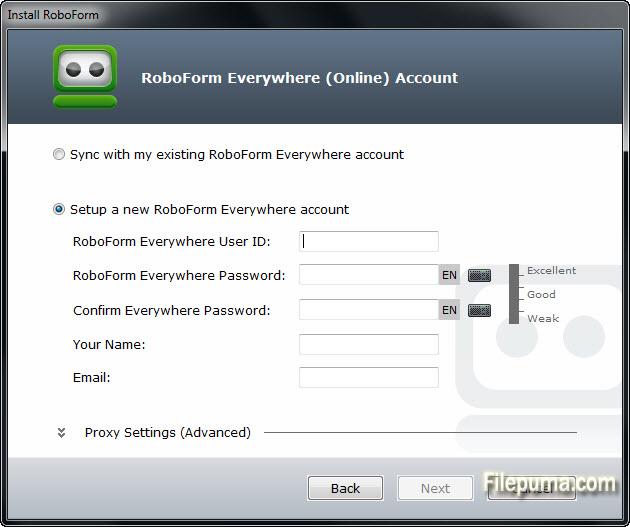
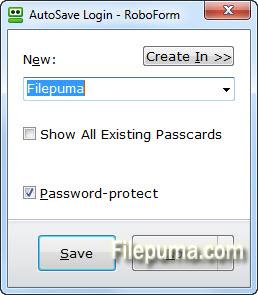
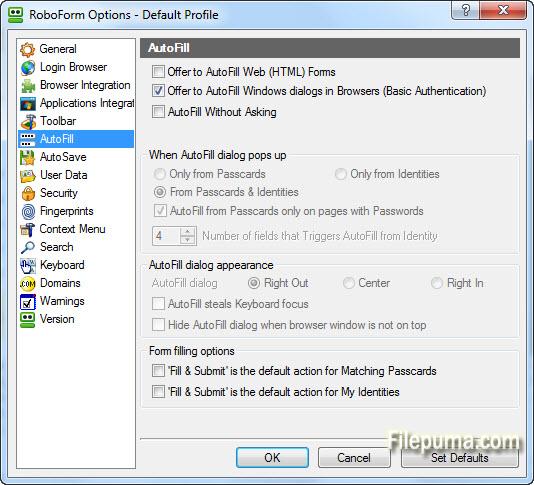
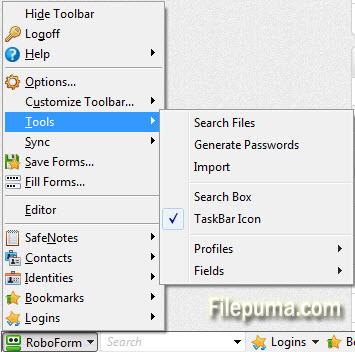
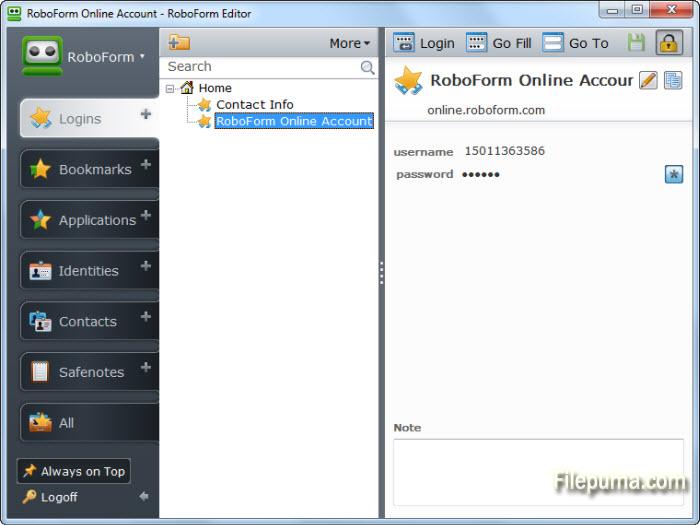


RoboForm is a user-friendly password manager and form filler that simplifies the process of securely managing your online accounts and personal information. With its robust features and intuitive interface, RoboForm ensures that your passwords and sensitive data are protected while providing convenient access across multiple devices.
One of the key features of RoboForm is its password management capabilities. It securely stores your passwords, automatically generates strong and unique passwords for each of your accounts, and fills them in for you when needed. This eliminates the hassle of remembering multiple complex passwords and reduces the risk of falling victim to hacking or identity theft.
In addition to password management, RoboForm offers a form filling feature that saves time and effort. It stores your personal and payment information, such as name, address, and credit card details, and automatically fills them in for online forms. This feature is particularly useful for online shopping, filling out registration forms, and completing other repetitive tasks, allowing you to complete them with just a few clicks.
RoboForm employs state-of-the-art encryption algorithms to safeguard your data. It uses AES-256 bit encryption, which is considered highly secure, and utilizes a master password that only you know to access your stored information. Moreover, RoboForm synchronizes your data across multiple devices, including computers, smartphones, and tablets, so you can access your passwords and form-filling information wherever you go.
Overall, RoboForm is a reliable and convenient tool for managing passwords and filling out online forms. Its strong security measures, user-friendly interface, and cross-device synchronization make it a valuable asset for individuals and businesses looking to enhance their online security and streamline their digital workflows.
Key Features:
- Password management: Securely store and manage passwords.
- Form filling: Automatically fill online forms with personal information.
- Secure data storage: Strong encryption to protect sensitive data.
- Multi-platform support: Available on Windows, macOS, iOS, and Android.
- Password generator: Create strong and unique passwords.
- Two-factor authentication (2FA): Extra layer of security for accounts.
- Secure sharing: Share passwords with trusted individuals.
- Password audit: Analyze password strength and identify weak passwords.
- Encrypted notes and bookmarks: Securely store notes and organize bookmarks.
- Emergency access: Designate trusted contacts for account retrieval in emergencies.
What's New
- Sync: fix not including some files into sync due to include *.rfp filter.
- Sync: do not require One Time Password for background syncing of usage info.
- Sync: fix One Time Password did not work, if WinInet option is used.
- Add 'RoboForm > Sync > Manage RoboForm Everywhere Account' command to RoboForm menu.
- Sync: OpenSSL upgraded to 1.0.1j, to fix recently vulnerabilities such as Poodle.
- Installer: fix RF installer shows too big icon for Chrome 64 bit on Close Applications.
- Installer: increase waiting time before showing Force Close buttons.
- Fix some random crashes related to closing of RF popup windows.
- Chrome + Basic Auth: fix not attaching to basic auth window in some 2-window cases.
- Chrome + Basic Auth: fix crash when BA window appears on site with invalid cert.
- Chrome + Basic Auth: fix not showing AutoSave for Basic Auth.
- Fix RF extension is not added to Yandex browser if Google Chrome is not installed.
- Chrome: fix clicking on Minimize button in Chrome can trigger AutoSave in BA window.
- Chrome 38+: fix RF does not install Chrome extension if it was previously removed via Chrome->Settings.
- Chrome + High DPI Screen: fix texts are too small in RF dropdown menus.
- Firefox: fix RF may fail to detect Firefox installtion in some cases.
- Firefox: fix RF does not install extension into Firefox ESR.
- Firefox 33+, RF2Go: fix RF2Go does not attach to Firefox 33 and later.
- Editor: add shortcuts: Ctrl+Backspace to delete a word back, Ctrl+Delete to delete a next word.
- Editor: fix keys in search box: Home/End first/last position, Ctrl+Home/End: first/last item.
Program available in other languages
- Télécharger RoboForm
- Herunterladen RoboForm
- Scaricare RoboForm
- ダウンロード RoboForm
- Descargar RoboForm
- Baixar RoboForm
User Reviews
User Rating
 17
17
License:
Free Trial
Requirements:
Windows XP/ Vista/ Windows 7/ Windows 8
Languages:
Multi-languages
Size:
15.6MB
Publisher:
Updated:
Nov 10, 2014
 Warning
Report Software
Latest Version
Old Versions
Developer's Software
 RoboForm 9.8.5
 Keepass 2.60
 Dashlane 6.2549.0
 1Password 8.11.20
Security Levels
To avoid any potential harm to your device and ensure the security of your data and privacy, our team checks every time a new installation file is uploaded to our servers or linked to a remote server and periodically reviews the file to confirm or update its status. Based on this checking, we set the following security levels for any downloadable files.
 Clean
Clean
It is highly likely that this software program is clean.
We scanned files and URLs associated with this software program in more than 60 of the world's leading antivirus services; no possible threats were found. And there is no third-party softwarebundled.
Warning
This program is advertising supported and may offer to install third-party programs that are not required. These may include a toolbar, changing your homepage, default search engine, or installing other party programs. These could be false positives, and our users are advised to be careful when installing and using this software.
 Disabled
This software is no longer available for download. It is highly likely that this software program is malicious or has security issues or other reasons.
Submit a Report
Thank you!
Your report has been sent.
We will review your request and take appropriate action.
Please note that you will not receive a notification about anyaction taken dueto this report.We apologize for anyinconvenience this may cause.
We appreciate your help in keeping our website clean and safe.