
Looking for a free Mac cleaner? Try diCleaner

Smallpdf Desktop3.7.0
 Free Trial
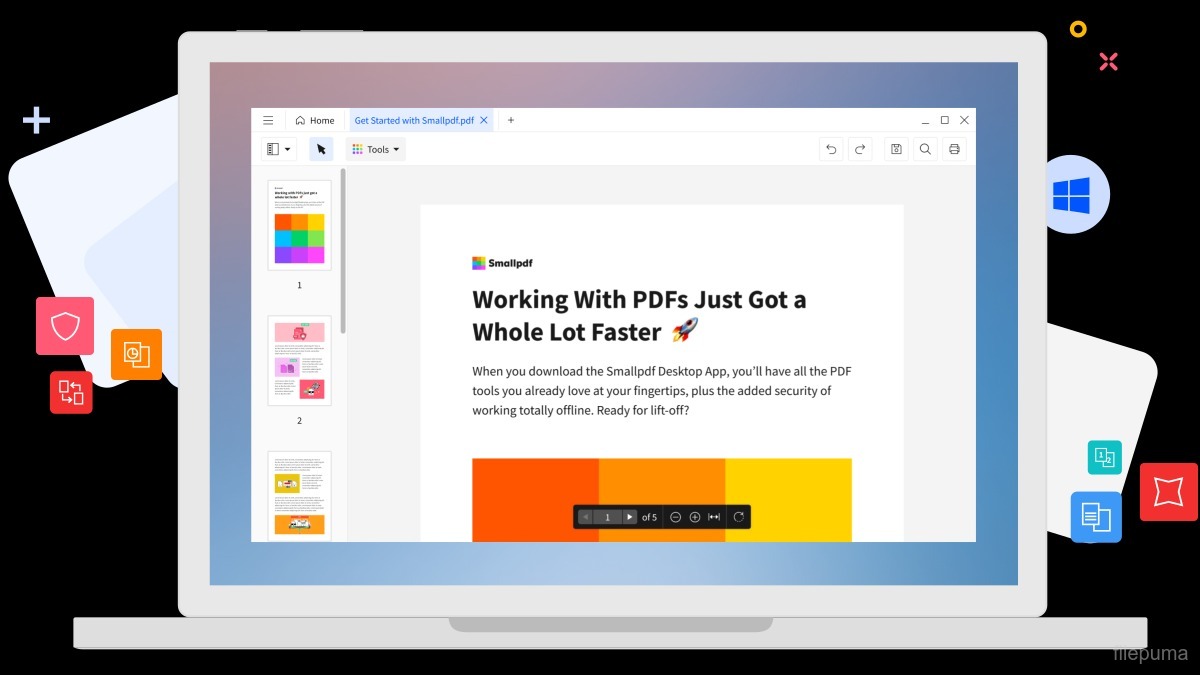


Smallpdf Desktop is a convenient application for handling PDF files efficiently. It allows users to compress, convert, and edit PDFs directly on their computers without needing an internet connection. The interface is clean and easy to navigate, making it simple to find the desired features quickly.
The conversion feature supports multiple formats. Users can change PDFs to Word, Excel, or image files, and convert these files back to PDF with high accuracy. This helps maintain the original layout and formatting, which is important for reports, presentations, and documents that require professional appearance.
Editing capabilities include merging, splitting, and adding annotations to PDFs. Users can highlight text, insert images, or add signatures without leaving the application. This makes reviewing and finalizing documents much faster and less frustrating compared to other methods.
Smallpdf Desktop ensures that files remain secure. It offers options to encrypt PDFs with passwords and remove sensitive information when needed. Smallpdf Desktop also works smoothly on both Windows and macOS, allowing a consistent experience across different computers. It provides an efficient and secure way to handle daily PDF tasks.
Key Features:
- PDF Conversion – Convert PDF files to Word, Excel, PowerPoint, JPG, and vice versa.
- PDF Compression – Reduce PDF file size without losing quality.
- Edit PDF – Add text, images, shapes, or annotations directly on PDFs.
- Merge & Split PDF – Combine multiple PDFs into one or split a PDF into separate pages.
- PDF Protection – Encrypt PDFs with passwords or remove passwords from secured files.
- Sign PDFs – Add electronic signatures or request signatures from others.
- Offline Access – Work with PDFs without an internet connection.
Program available in other languages
- Télécharger Smallpdf Desktop
- Herunterladen Smallpdf Desktop
- Scaricare Smallpdf Desktop
- ダウンロード Smallpdf Desktop
- Descargar Smallpdf Desktop
- Baixar Smallpdf Desktop
User Reviews
User Rating

License:
Free Trial
Requirements:
Windows 7/ Windows 8/ Windows 10/ Windows 11
Languages:
Multi-languages
Size:
152.09 MB
Publisher:
Updated:
May 19, 2026
Clean
Report Software
Latest Version
Developer's Software
 LibreOffice (64bit) 26.8.1
 Foxit PDF Reader 2026.2.1.39815
 Calibre (64bit) 9.17.0
 LibreOffice (32bit) 26.8.1
 Evernote 11.40.2
Security Levels
To avoid any potential harm to your device and ensure the security of your data and privacy, our team checks every time a new installation file is uploaded to our servers or linked to a remote server and periodically reviews the file to confirm or update its status. Based on this checking, we set the following security levels for any downloadable files.
 Clean
Clean
It is highly likely that this software program is clean.
We scanned files and URLs associated with this software program in more than 60 of the world's leading antivirus services; no possible threats were found. And there is no third-party softwarebundled.
 Warning
This program is advertising supported and may offer to install third-party programs that are not required. These may include a toolbar, changing your homepage, default search engine, or installing other party programs. These could be false positives, and our users are advised to be careful when installing and using this software.
 Disabled
This software is no longer available for download. It is highly likely that this software program is malicious or has security issues or other reasons.
Submit a Report
Thank you!
Your report has been sent.
We will review your request and take appropriate action.
Please note that you will not receive a notification about anyaction taken dueto this report.We apologize for anyinconvenience this may cause.
We appreciate your help in keeping our website clean and safe.