

Technic Launcher4.1028
 Free Download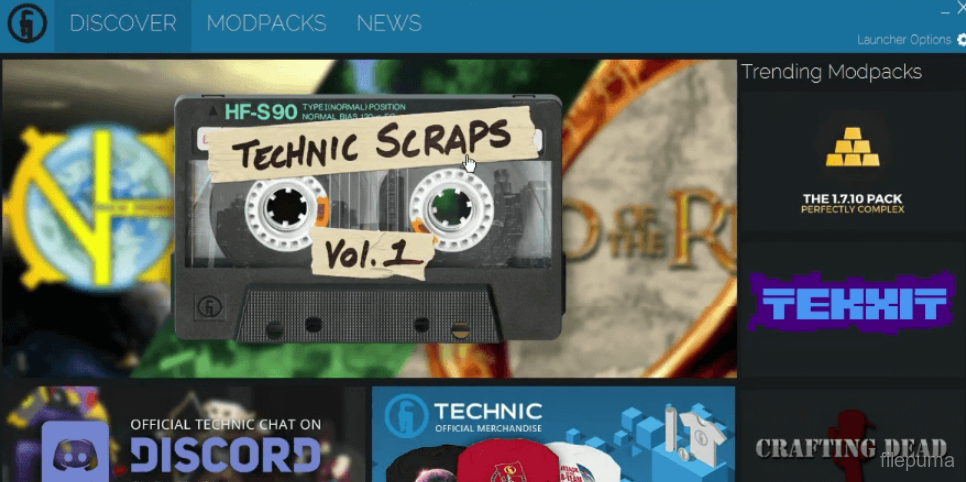
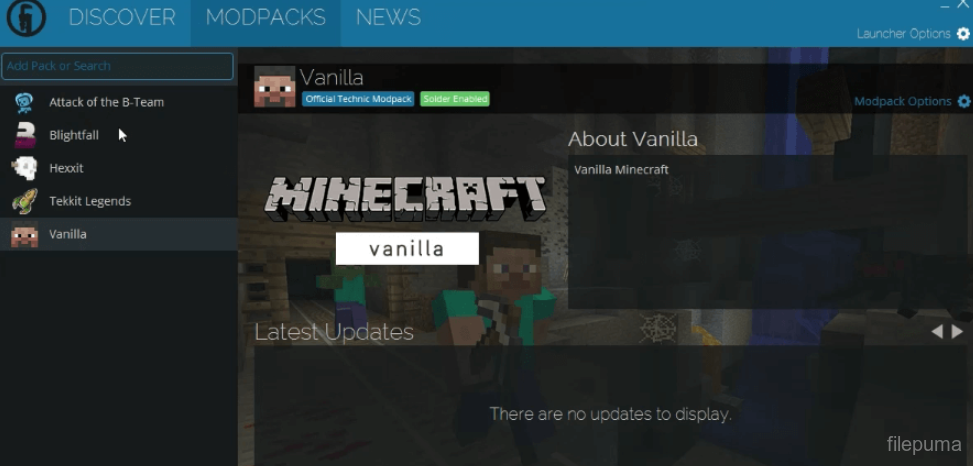
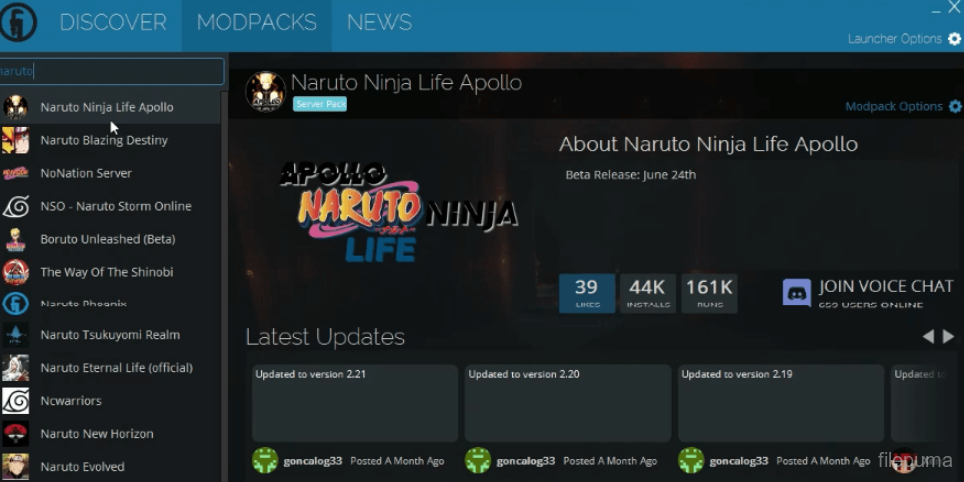
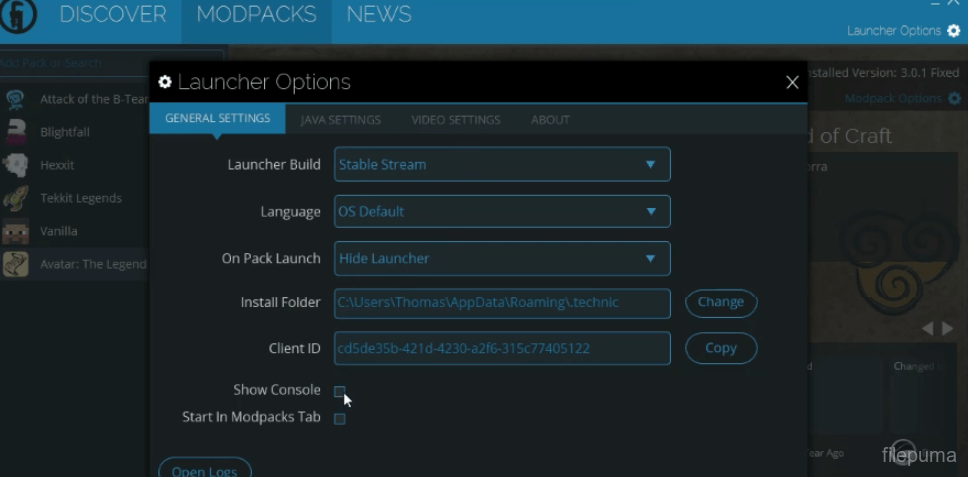


Technic Launcher is a custom Minecraft launcher designed to simplify the installation and management of modpacks. It offers users a straightforward way to explore and play various Minecraft modifications without manually handling complex files or setups.
The launcher connects directly to the Technic Platform, where players can browse thousands of community-created modpacks. This integration makes discovering new adventures and gameplay styles effortless. From magic and machines to exploration and survival, players can find modpacks that suit nearly any preference.
With Technic Launcher, installing a modpack is as easy as clicking a button. The launcher automatically downloads all required mods, configurations, and assets, ensuring the game is ready to play. Users can also keep their modpacks up to date with minimal effort, thanks to built-in update management.
Technic Launcher supports multiple modpack installations, allowing players to switch between different gameplay experiences without conflict. It also includes memory and Java settings, giving users control over performance. This tool is ideal for Minecraft fans who want an easy way to dive into custom content.
Key Features:
- One-click modpack installation: Easily install and play Minecraft modpacks with a single click, without manual setup.
- Access to the Technic Platform: Browse and download thousands of community-created modpacks.
- Custom modpack creation: Create, manage, and distribute your own modpacks using the Technic Platform.
- Automatic updates: Keeps your modpacks up to date without requiring manual downloads.
- Multiple modpack profiles: Allows users to maintain separate game instances with different mods and settings.
- Built-in Java configuration: Manage and allocate system memory and other Java settings directly in the launcher.
- Integrated news feed: Stay updated with modpack developer announcements and news from the Technic community.
- User-friendly interface: Simple and clean UI for easy navigation and modpack management.
- Offline play mode: Allows playing installed modpacks even without an active internet connection.
Program available in other languages
- Télécharger Technic Launcher
- Herunterladen Technic Launcher
- Scaricare Technic Launcher
- ダウンロード Technic Launcher
- Descargar Technic Launcher
- Baixar Technic Launcher
User Reviews
User Rating
 1
1
License:
Free
Requirements:
Windows 7/ Windows 8/ Windows 10/ Windows 11
Languages:
Multi-languages
Size:
15.5MB
Publisher:
Updated:
Dec 4, 2025
Clean
Report Software
Latest Version
Old Versions
Developer's Software
 Technic Launcher 4.1062
 NVIDIA GeForce Experience 3.28.0.417
 Epic Games Launcher 19.2.3
 Steam 16.07.2019
 Origin 10.5.128
 Ubisoft Connect 170.0.0.13099
Security Levels
To avoid any potential harm to your device and ensure the security of your data and privacy, our team checks every time a new installation file is uploaded to our servers or linked to a remote server and periodically reviews the file to confirm or update its status. Based on this checking, we set the following security levels for any downloadable files.
 Clean
Clean
It is highly likely that this software program is clean.
We scanned files and URLs associated with this software program in more than 60 of the world's leading antivirus services; no possible threats were found. And there is no third-party softwarebundled.
 Warning
This program is advertising supported and may offer to install third-party programs that are not required. These may include a toolbar, changing your homepage, default search engine, or installing other party programs. These could be false positives, and our users are advised to be careful when installing and using this software.
 Disabled
This software is no longer available for download. It is highly likely that this software program is malicious or has security issues or other reasons.
Submit a Report
Thank you!
Your report has been sent.
We will review your request and take appropriate action.
Please note that you will not receive a notification about anyaction taken dueto this report.We apologize for anyinconvenience this may cause.
We appreciate your help in keeping our website clean and safe.