

The Bat! (64bit)6.8.2
 Free Download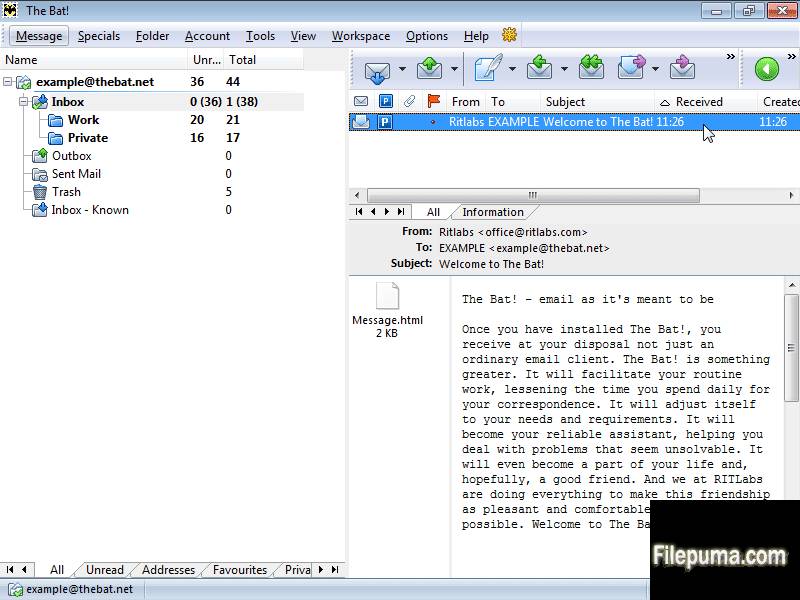


- PGP, GnuPG and S/MIME support
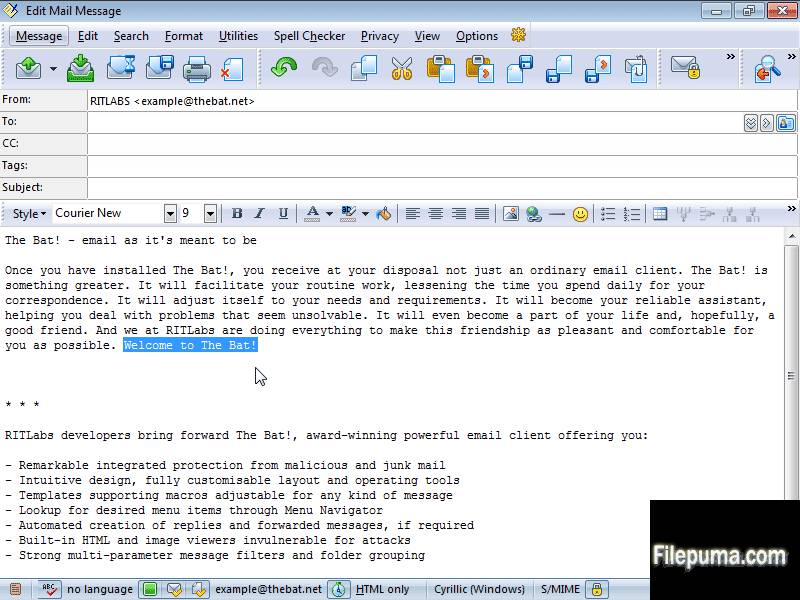
- Internal HTML Viewer
- Safe handling of attached files
- Selective download
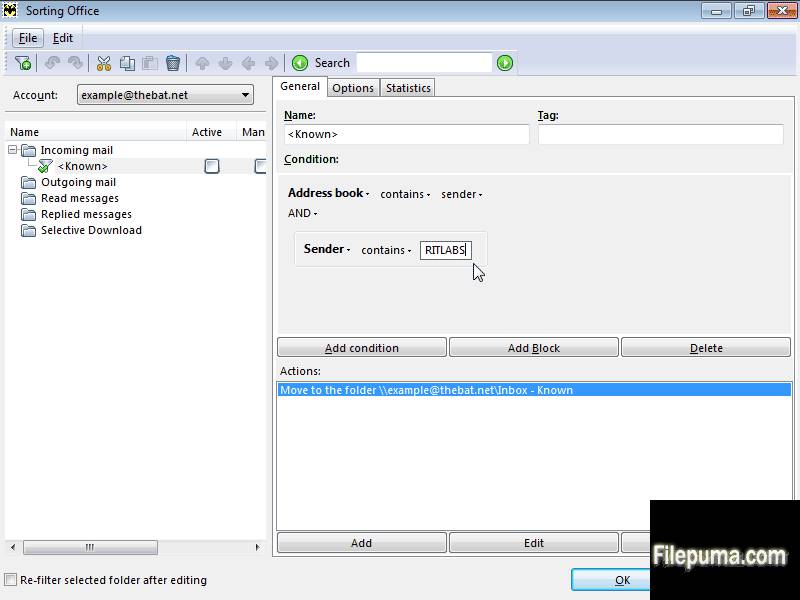
- Powerful filtering system
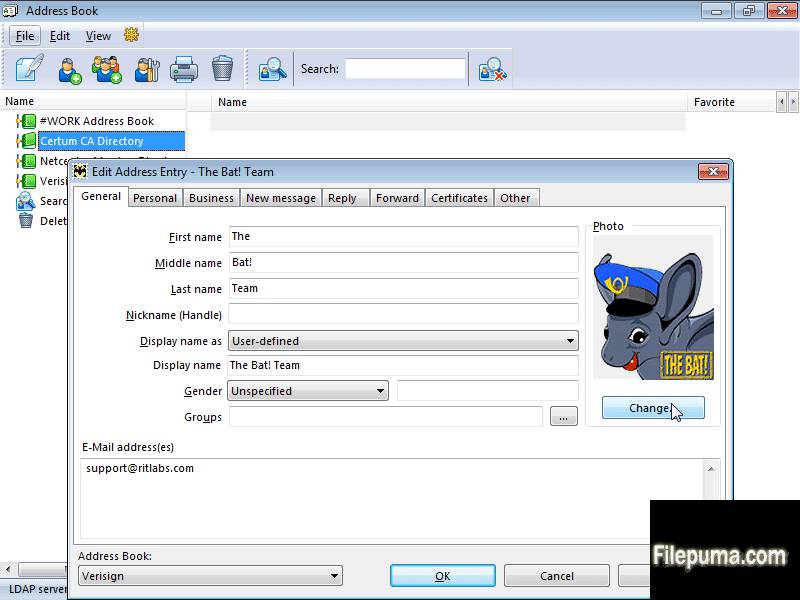
- The Bat!’s own Address Book
- Handy templates
- RSS Feed subscriptions
What's New
New features
- Accounts can now be associated with Color Groups
- Incoming filters are now working for RSS Feeds
- The "Create New Account" dialog will hide MAPI from the list of protocols if none is detected in the current system
- You can configure The Bat! to not specify the %EMAIL% variable by running it with the /DontWriteEmailEnvironmentVariable command line parameter, or by setting the DWORD DontWriteEmailEnvironmentVariable variable to 1 under HKEY_CURRENT_USER\Software\RIT\The Bat!
- An animated indicator has been added to in the "Create New Account" dialog
Improvements
- Timing log for the Exchange accounts
- The Bat! will ignore IPF.NOTE.SOCIALCONNECTOR, IPF.NOTE.OUTLOOKHOMEPAGE, IPF.ShortcutFolder, Outlook.Reminder folder types while interacting with the Exchange server via MAPI
- The "User name" label has been renamed to "Mailbox name" in MAPI accounts to differentiate it from the user name used for authentication
- Better logging of certificate errors in TLS
Fixes
- Fixed a bug that might have caused access violation or incorrect behavior when forwarding messages with HTML parts from using Sorting Office filters
- Caching was allowed for downloading RSS feeds, causing no-update issues on some servers
- (#623) Ctrl+Ins shortcut was not working after selection of all text using Ctrl+A in the message viewer
- Possible errors of the 64-bit version have been fixed
- (#624) Opening a "mailto" URL from a common folder did not choose an appropriate active account for the new message
- ORFO 2014 options were neither visible nor accessible
- The Bat! could not use 64-bit spell checkers via the CSAPI interface. For example, it could not use ORFO and returned an access violation error in The Bat! 64-bit version
- (#541) GnuPG did not work with the 64-bit version of The Bat!
- (#688) The Bat! 64-bit did not work with eToken
- Address History could show duplicate messages when the "scan subfolders" option was used
- Deleting a MAPI account and requesting to "Delete account files" did not clean up all the files
- Safer way of loading the GROUPS.CFG (GROUPS.EFG) in case this file is damaged or improperly decrypted
- (#686) If the interface language was set to U.S. English some British English words were still used
- (#441) Next message group could be not selected upon deletion of a message group
- Fixed slowdowns in address history
- Fixed slowdowns in getting messages from MS Exchange servers via extended MAPI
Program available in other languages
- Télécharger The Bat! (64bit)
- Herunterladen The Bat! (64bit)
- Scaricare The Bat! (64bit)
- ダウンロード The Bat! (64bit)
- Descargar The Bat! (64bit)
- Baixar The Bat! (64bit)
User Reviews
User Rating
 7
7
License:
Free
Requirements:
Windows All
Languages:
English
Size:
33.8MB
Publisher:
Updated:
May 18, 2015
Clean
Report Software
Latest Version
Old Versions
 The Bat! (32bit) 12.3
 The Bat! (64bit) 12.3
 Mozilla Thunderbird (32bit) 154.0
 Mozilla Thunderbird (64bit) 154.0
 eM Client 10.4.5674.0
Security Levels
To avoid any potential harm to your device and ensure the security of your data and privacy, our team checks every time a new installation file is uploaded to our servers or linked to a remote server and periodically reviews the file to confirm or update its status. Based on this checking, we set the following security levels for any downloadable files.
 Clean
Clean
It is highly likely that this software program is clean.
We scanned files and URLs associated with this software program in more than 60 of the world's leading antivirus services; no possible threats were found. And there is no third-party softwarebundled.
 Warning
This program is advertising supported and may offer to install third-party programs that are not required. These may include a toolbar, changing your homepage, default search engine, or installing other party programs. These could be false positives, and our users are advised to be careful when installing and using this software.
 Disabled
This software is no longer available for download. It is highly likely that this software program is malicious or has security issues or other reasons.
Submit a Report
Thank you!
Your report has been sent.
We will review your request and take appropriate action.
Please note that you will not receive a notification about anyaction taken dueto this report.We apologize for anyinconvenience this may cause.
We appreciate your help in keeping our website clean and safe.