
Looking for a free Mac cleaner? Try diCleaner

Total Uninstall7.6.2
 Free Trial
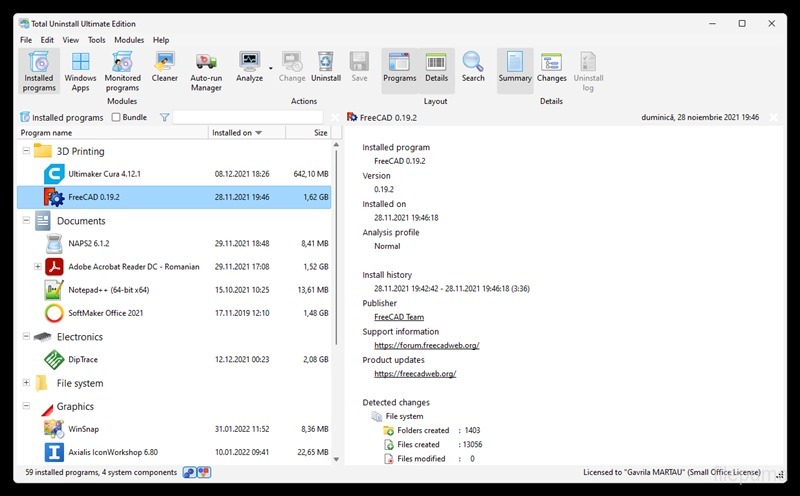
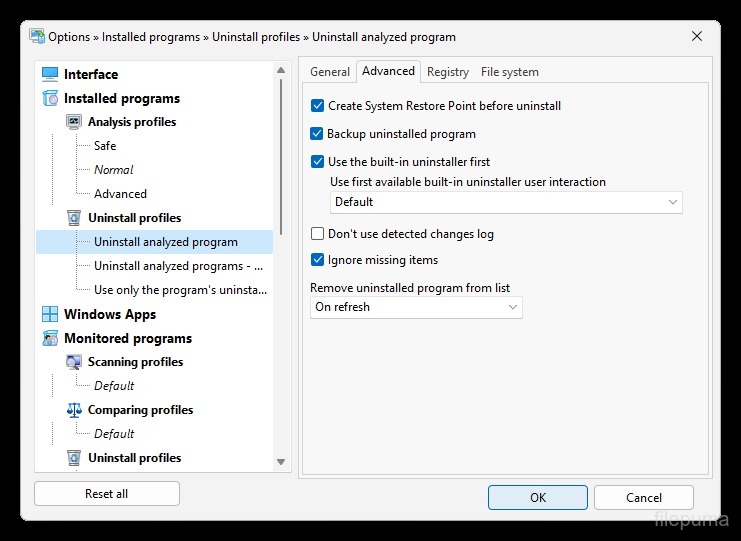


Total Uninstall is a powerful Windows utility designed to help users completely remove software from their systems without leaving unnecessary traces behind. Unlike standard uninstallers that often miss hidden files, folders, or registry entries, Total Uninstall focuses on thorough cleanup to keep the operating system clean, stable, and efficient.
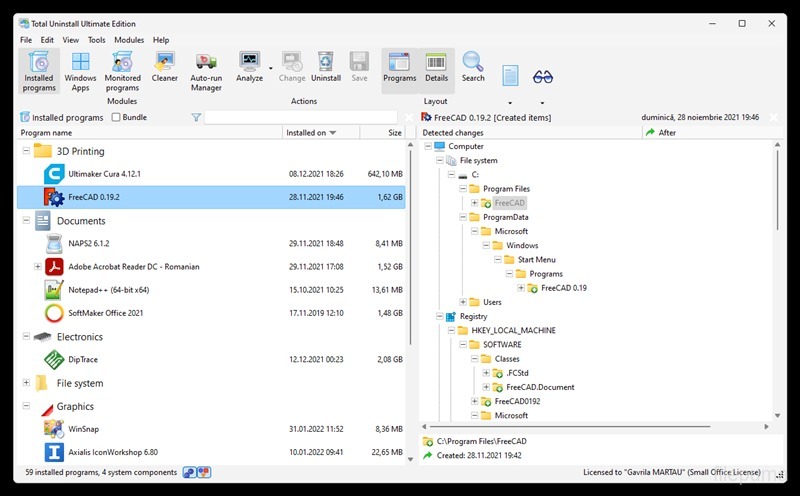
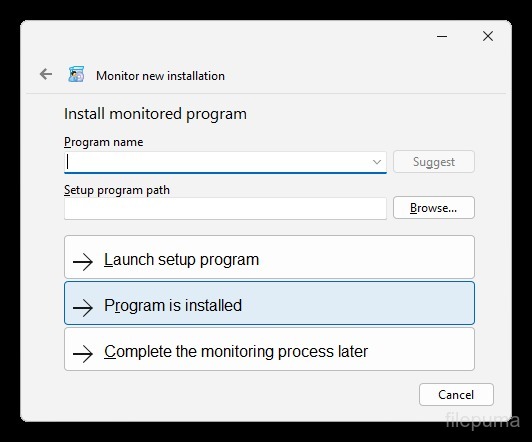
Total Uninstall works by monitoring software installations in real time. Before an application is installed, Total Uninstall can take a snapshot of the system state. After installation, it compares changes made to files and the Windows registry. This detailed record allows the software to reverse all modifications later, ensuring that every component related to the application is removed during uninstallation. This approach is especially useful for testing software, managing trial programs, or maintaining a clutter-free environment.
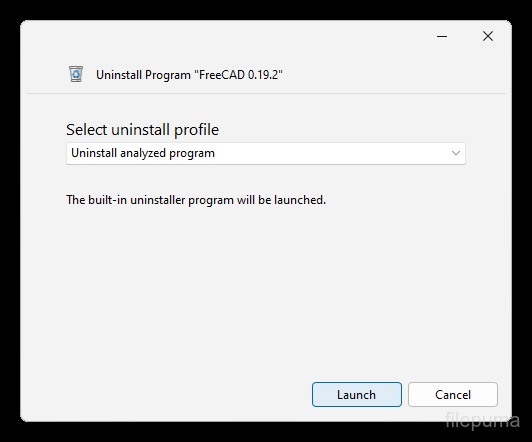
Total Uninstall also supports the removal of programs that were not previously monitored. In such cases, it performs an advanced scan to detect leftover data after the built-in uninstaller has finished its job. Users can review the detected items and decide what should be deleted, giving them full control over the cleanup process. This reduces the risk of orphaned files slowing down the system or causing conflicts over time.
The interface of Total Uninstall is clean and well-organized, making it accessible to both beginners and experienced users. Installed applications are clearly listed, with detailed information about installation paths, versions, and changes made to the system. Additional tools, such as startup program management and application comparison, further enhance its usefulness.
Total Uninstall is an effective solution for users who want precise control over software removal. By ensuring complete uninstallation and minimizing system clutter, it helps maintain optimal performance and long-term system reliability.
Key Features:
- Complete Software Uninstallation – Removes programs thoroughly, including leftover files and registry entries
- Installation Monitoring – Tracks system changes during program installation for accurate removal
- Batch Uninstall – Allows uninstalling multiple applications at once
- Force Uninstall – Removes stubborn or broken programs that cannot be uninstalled normally
- System Snapshot Comparison – Compares system states before and after installation
- Startup Program Management – Manages applications that run at system startup
- User-Friendly Interface – Clean and easy-to-use interface suitable for all users
Program available in other languages
- Télécharger Total Uninstall
- Herunterladen Total Uninstall
- Scaricare Total Uninstall
- ダウンロード Total Uninstall
- Descargar Total Uninstall
- Baixar Total Uninstall
User Reviews
User Rating

License:
Free Trial
Requirements:
Windows Vista/ Windows 7/ Windows 8/ Windows 10/ Windows 11
Languages:
Multi-languages
Size:
14.45 MB
Publisher:
Updated:
Dec 25, 2025
Clean
Report Software
Latest Version
Developer's Software
 Glary Utilities 6.49.0.53
 Glary Utilities Pro 6.49.0.53
 CCleaner 7.13
 Driver Booster 14.0.1.462
 CrystalDiskInfo 9.9.3
Security Levels
To avoid any potential harm to your device and ensure the security of your data and privacy, our team checks every time a new installation file is uploaded to our servers or linked to a remote server and periodically reviews the file to confirm or update its status. Based on this checking, we set the following security levels for any downloadable files.
 Clean
Clean
It is highly likely that this software program is clean.
We scanned files and URLs associated with this software program in more than 60 of the world's leading antivirus services; no possible threats were found. And there is no third-party softwarebundled.
 Warning
This program is advertising supported and may offer to install third-party programs that are not required. These may include a toolbar, changing your homepage, default search engine, or installing other party programs. These could be false positives, and our users are advised to be careful when installing and using this software.
 Disabled
This software is no longer available for download. It is highly likely that this software program is malicious or has security issues or other reasons.
Submit a Report
Thank you!
Your report has been sent.
We will review your request and take appropriate action.
Please note that you will not receive a notification about anyaction taken dueto this report.We apologize for anyinconvenience this may cause.
We appreciate your help in keeping our website clean and safe.