

UltraEdit (32bit)21.00
 Free Trial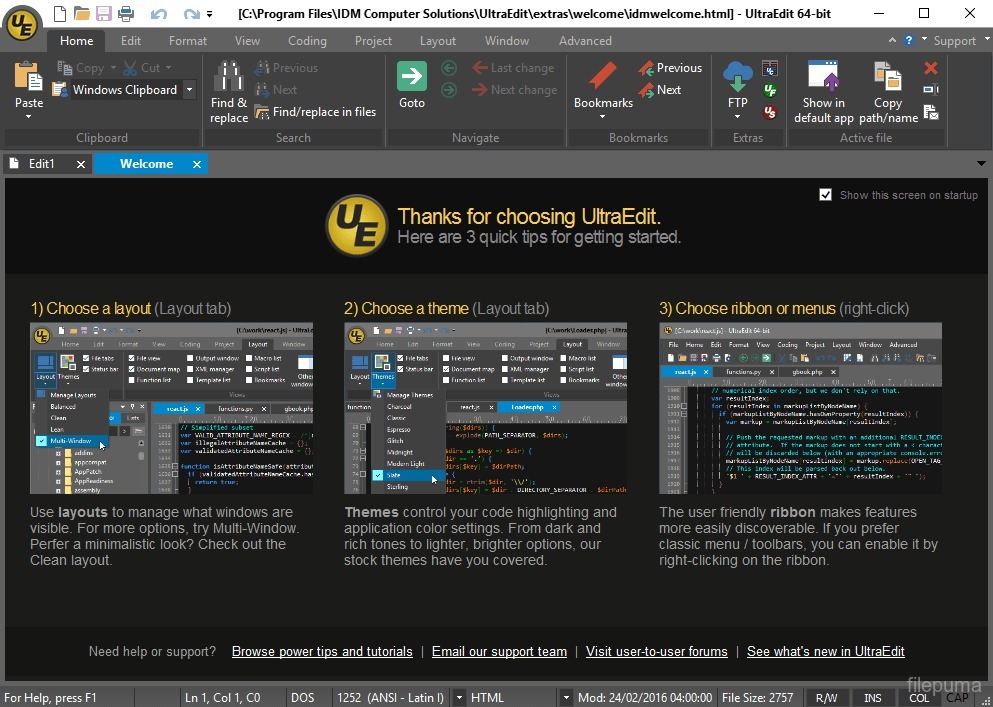

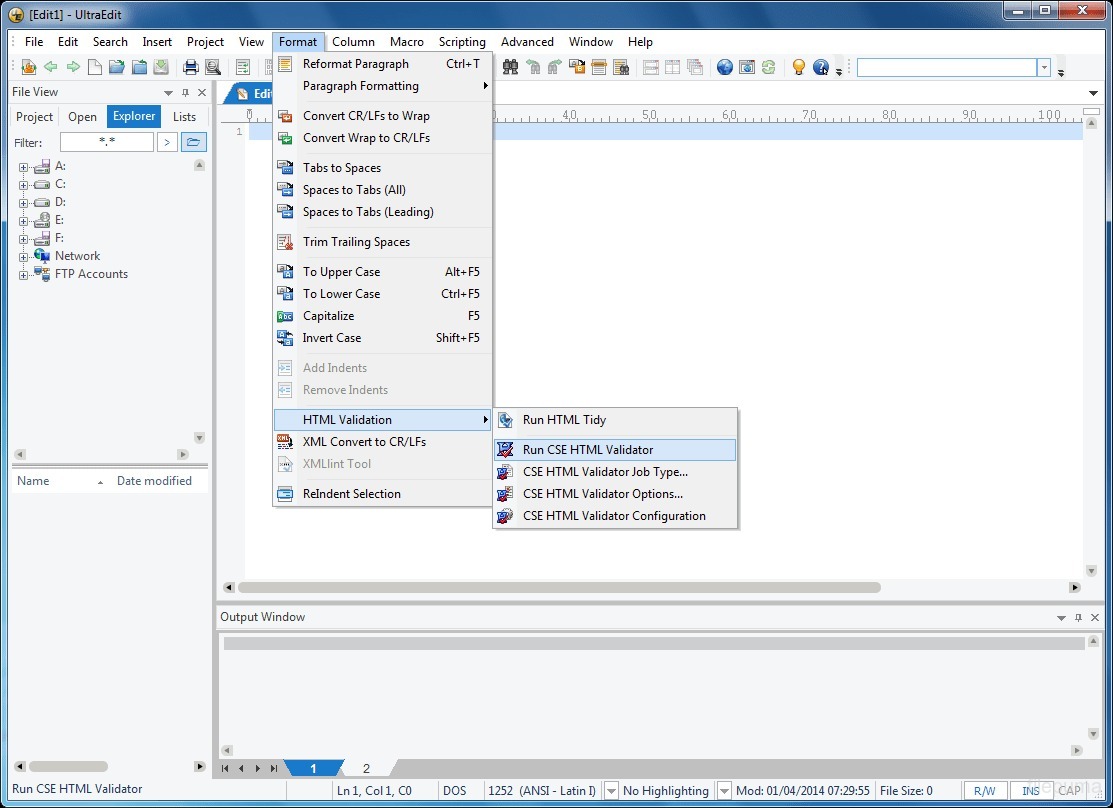


UltraEdit is a powerful and versatile text editor that has gained widespread popularity among programmers, web developers, and professionals in various fields. With its comprehensive feature set and user-friendly interface, UltraEdit offers a seamless editing experience.
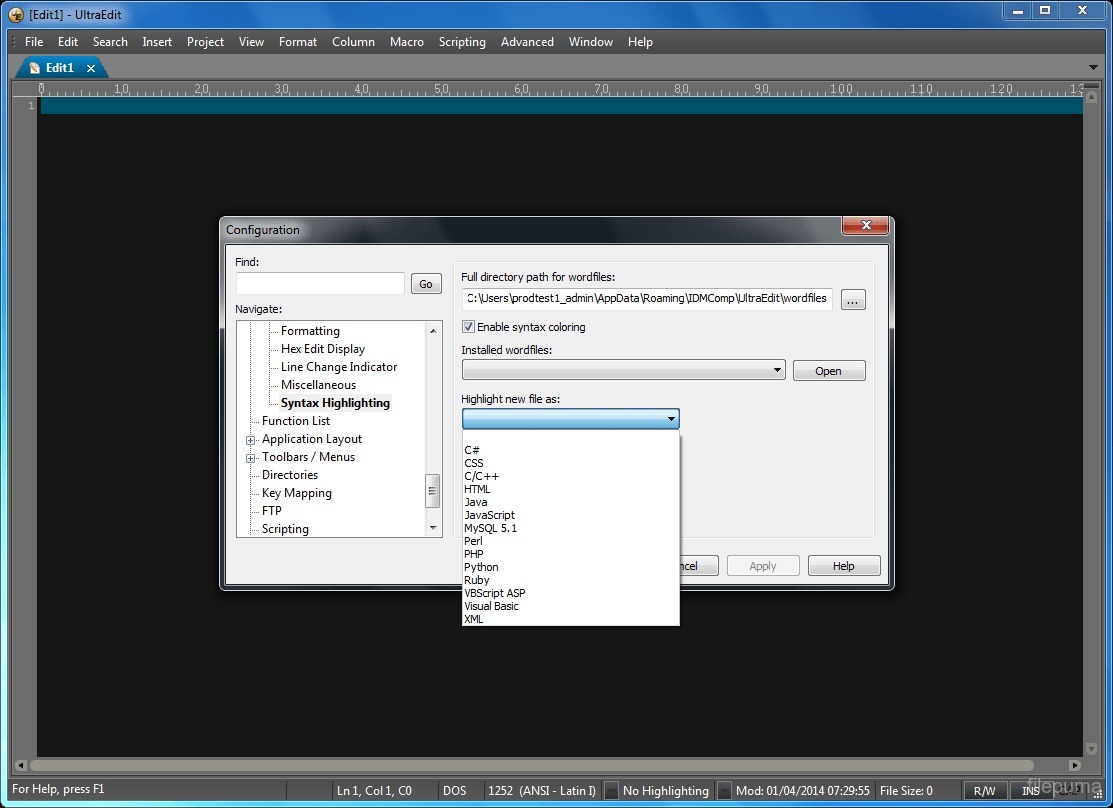
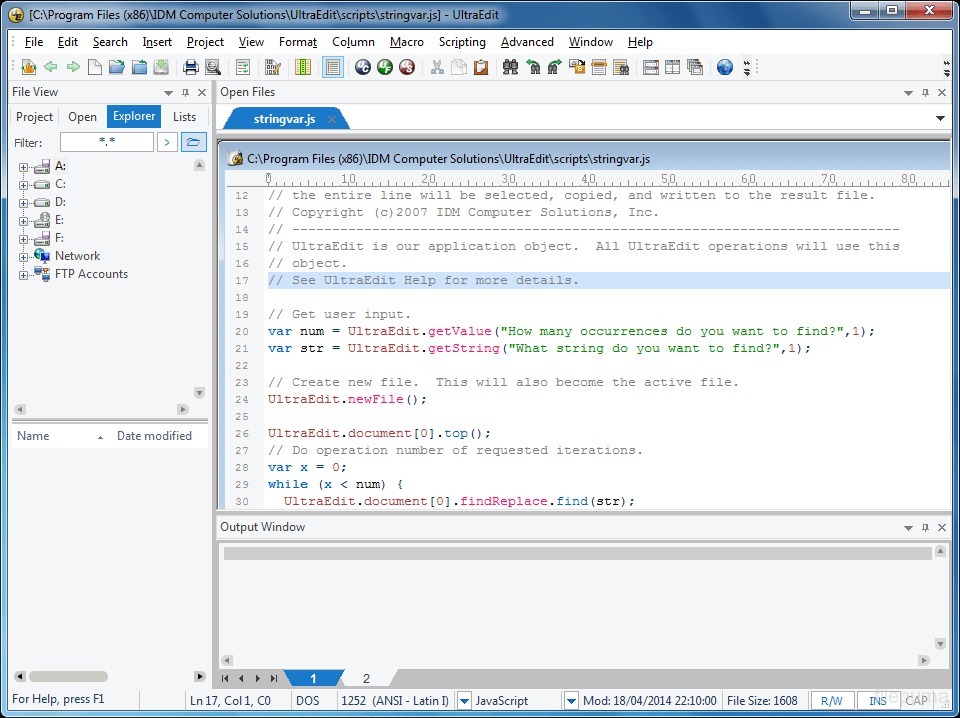
One of the standout features of UltraEdit is its robust syntax highlighting, which supports a wide range of programming languages. This functionality helps users easily distinguish different elements of their code, enhancing readability and reducing errors. Furthermore, UltraEdit offers code folding and hierarchical function listing, allowing for efficient navigation and organization of complex codebases.
In addition to its coding capabilities, UltraEdit excels in handling large files and performing advanced search and replace operations. It can effortlessly open and edit files of sizes up to 4 GB, making it an ideal tool for working with massive data sets. The powerful search and replace functionality, with support for regular expressions, enables users to quickly locate and modify specific content within their files.
UltraEdit also offers a customizable and extensible environment, allowing users to tailor the editor to their specific needs. From customizable themes and layouts to scripting and macro capabilities, users can optimize their workflow and boost productivity.
With its extensive feature set, UltraEdit remains a top choice for professionals seeking a reliable and efficient text editing solution. Whether you are a programmer, a web developer, or a power user, UltraEdit provides the tools and functionality you need to work with confidence and precision.
Key Features:
- Text editing capabilities with Unicode support.
- Syntax highlighting for various programming languages.
- Multi-caret editing for making simultaneous edits at multiple locations.
- File comparison to highlight differences between files.
- Column editing for making changes in vertical selections.
- Automation through macros and scripting.
- Built-in FTP/SFTP support for editing files on remote servers.
- Project and workspace management for organizing files and settings.
- Extensive customization options for UI, shortcuts, and themes.
What's New
- Press Ctrl + F and type search string to quickly jump to next occurrence and highlight all matches
- Press Ctrl + F a second time to open regular Find dialog
- Press Enter to move to next match or Ctrl + Enter to move to previous match
- Input turns red when no matches are found
- Includes next / previous buttons and "..." button to expand to regular Find dialog
- Supersedes and replaces incremental search
- Use Ctrl + click to set multiple carets for editing in multple locations at once
- Use Ctrl + double click or Ctrl + Click n' drag to make multiple non-contiguous selections for editing
- Press Ctrl + Alt + Z to remove last set caret/selection
- Ctrl + click on caret or selection to remove it from set
- Select several contiguous lines, then Ctrl + Click beyond line end for quick end-of-line carets
- Split file view for both local and remote pane
- Drag-n-drop or press Enter to download / upload files
- New buttons, icons, and colors to match your theme
- Greatly improved and color-coded logging of transfers
- Various internal improvements for better performance
- Custom scrollbars to match your theme
- Input fields and other form elements now fully match your theme
- Various other tweaks and adjustments for greater theme control
- New "FTP Transfers" tab in output window
- Reports color-coded transfer status for remote files opened via Explorer view or via reload/recent files
Program available in other languages
- Télécharger UltraEdit (32bit)
- Herunterladen UltraEdit (32bit)
- Scaricare UltraEdit (32bit)
- ダウンロード UltraEdit (32bit)
- Descargar UltraEdit (32bit)
- Baixar UltraEdit (32bit)
User Reviews
User Rating
 9
9
License:
Free Trial
Requirements:
Windows XP/ Vista/ Windows 7/ Windows 8
Languages:
English
Size:
33.09MB
Publisher:
Updated:
Feb 7, 2014
 Warning
Report Software
Latest Version
Old Versions
 UltraEdit (32bit) 32.0.0.35
 UltraEdit (64bit) 32.1.0.31
 UltraCompare 24.1.0.5
 NotePad++ (64bit) 8.8.9
 NotePad++ (32bit) 8.8.9
 EmEditor Professional (64bit) 25.4.3
Security Levels
To avoid any potential harm to your device and ensure the security of your data and privacy, our team checks every time a new installation file is uploaded to our servers or linked to a remote server and periodically reviews the file to confirm or update its status. Based on this checking, we set the following security levels for any downloadable files.
 Clean
Clean
It is highly likely that this software program is clean.
We scanned files and URLs associated with this software program in more than 60 of the world's leading antivirus services; no possible threats were found. And there is no third-party softwarebundled.
Warning
This program is advertising supported and may offer to install third-party programs that are not required. These may include a toolbar, changing your homepage, default search engine, or installing other party programs. These could be false positives, and our users are advised to be careful when installing and using this software.
 Disabled
This software is no longer available for download. It is highly likely that this software program is malicious or has security issues or other reasons.
Submit a Report
Thank you!
Your report has been sent.
We will review your request and take appropriate action.
Please note that you will not receive a notification about anyaction taken dueto this report.We apologize for anyinconvenience this may cause.
We appreciate your help in keeping our website clean and safe.