

SyncBackFree7.0.0.47
 無料ダウンロード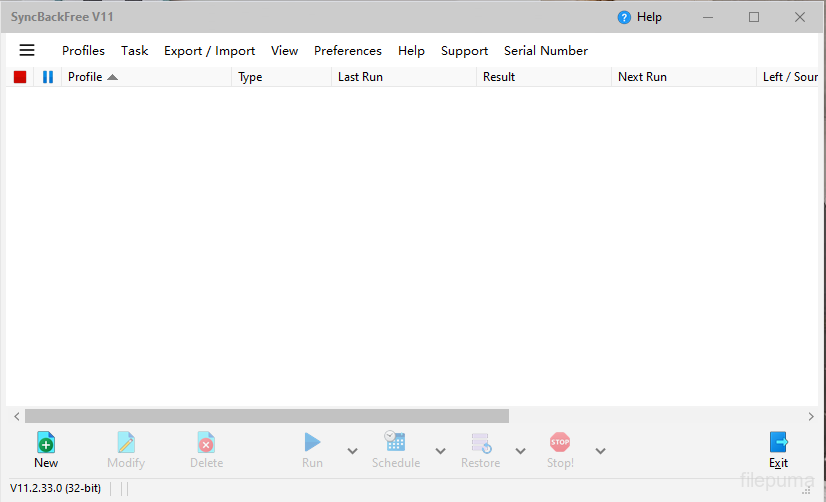
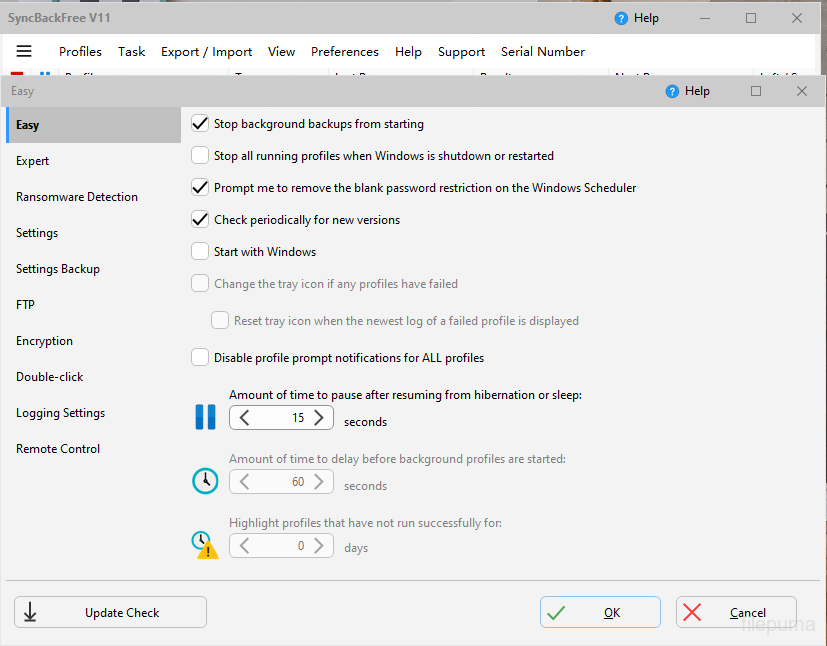
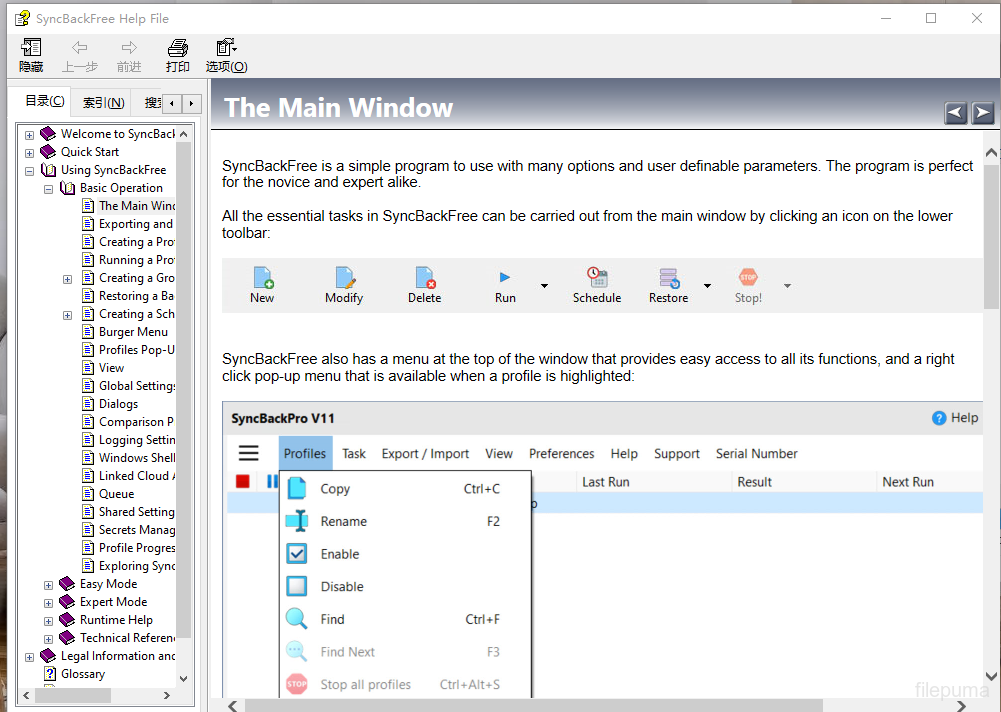
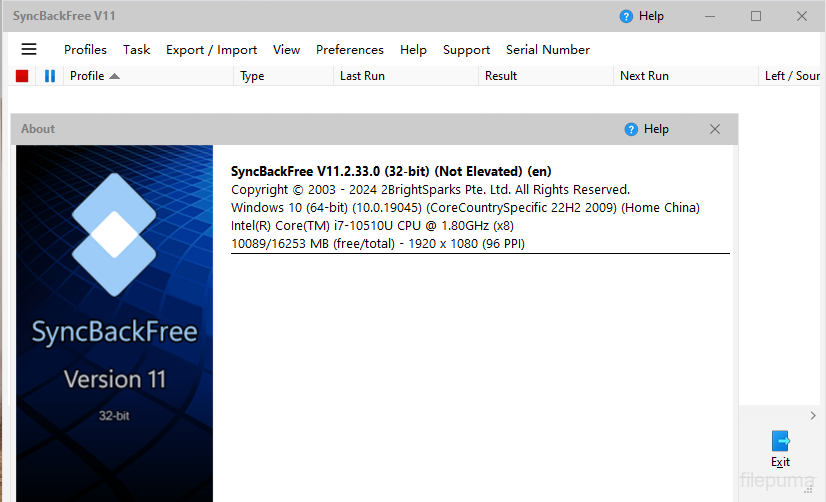
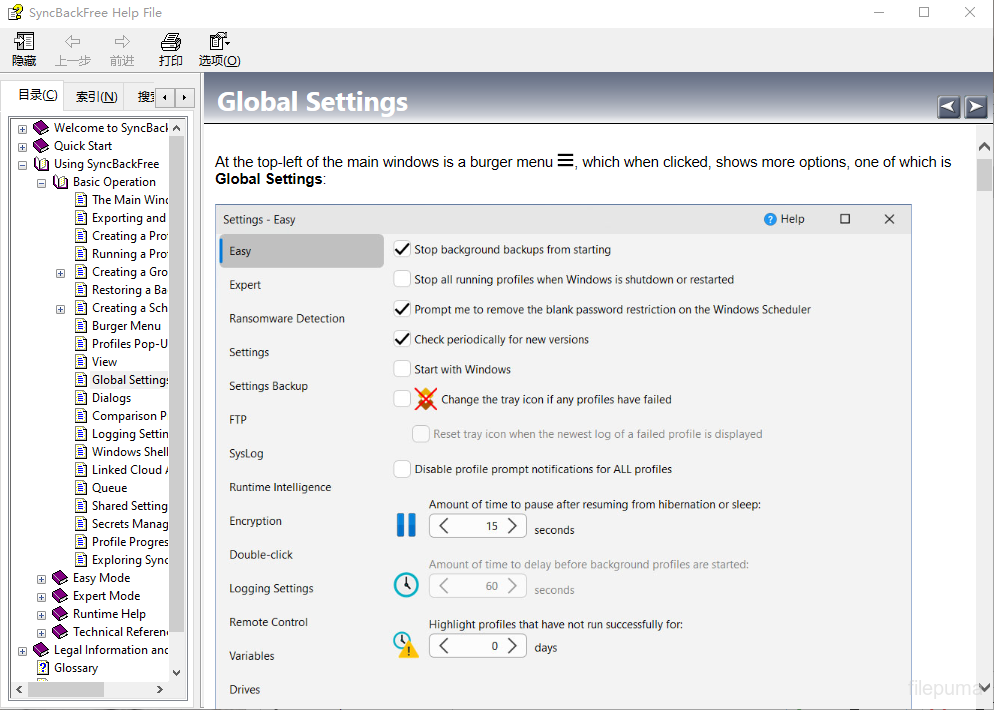


SyncBackFreeは、ユーザーがファイルやフォルダを簡単かつ効率的にバックアップおよび同期できる強力で信頼性の高いバックアップおよび同期ソフトウェアです。SyncBackFreeを使用すると、ユーザーは重要なファイルやフォルダのバックアップを迅速かつ簡単に作成でき、複数のデバイスや場所間でファイルを同期することもできます。
SyncBackFreeの主要な機能の一つは、その柔軟性です。このソフトウェアは、特定のスケジュールを設定したり、含めるまたは除外するファイルやフォルダを選択したり、特定のファイルタイプやサイズを含めたり除外したりするフィルターを設定したりするなど、様々な方法でユーザーがバックアップと同期タスクをカスタマイズできるようにします。
SyncBackFreeのもう一つの優れた特徴は、そのユーザーフレンドリーなインターフェースです。ソフトウェアはナビゲートが簡単で、メニューやオプションが明確で簡潔なため、バックアップと同期タスクを簡単に設定および管理できます。さらに、ソフトウェアは各バックアップと同期作業に関する詳細なレポートを提供し、ユーザーは何がバックアップまたは同期されたのか、発生したエラーや問題をすばやく簡単に確認することができます。
SyncBackFreeは非常にカスタマイズ性が高く、さまざまな高度なオプションを使用して、ユーザーがバックアップや同期設定を特定のニーズに合わせて微調整することができます。例えば、バックアップや同期タスクが完了したときに通知するメール通知を設定したり、FTPやSFTPを使用してリモートの場所にファイルを転送したりすることができます。
SyncBackFreeは、ファイルやフォルダーをバックアップおよび同期するための信頼性が高く柔軟なソリューションを必要とするユーザーに最適な優れたバックアップおよび同期ソフトウェアです。個人ファイルをバックアップしたい家庭ユーザーでも、強力なバックアップおよび同期ソリューションを探しているビジネスユーザーでも、SyncBackFreeは検討する価値があります。
主な機能:
- ファイルとフォルダのバックアップと同期
- 使いやすいインターフェースと便利なウィザード
- 特定のニーズに合わせたカスタマイズ可能なバックアッププロファイル
- 自動化タスクのための高度なスケジューリングオプション
- 不要なデータを除外するためのファイルおよびフォルダのフィルタリング
- 人気のクラウドストレージサービスのサポート
- 基本機能を備えた無料バージョンが利用可能です。
新着情報
- Group profiles now have log files
- Support for Microsoft Exchange for sending and receiving email
- When->Insert profile settings page will show drive inserts and removes
- When using option to delete all empty folders it will now record deletion and failure to delete in log
- Can export differences from Differences window
- Can specify filters for what files to verify or not verify
- On Differences window can now choose to abort just that profile in group from Abort button
- On Differences window can now choose to skip Differences window in future from Copy button
- Pro: DiffWindows.vbs script
- Pro: PreCopyExample script
- 20% improvement in scan performance when using DOS filters (the default)
- Email Support Ticket menu item in Help menu. Auto-fills product and Windows version and searches online KB.
- Numerous items fixed when using high DPI display and scaling
- Resume on FTP upload/download if connection lost and start profile again. Also works with standard Windows file copy.
- Better checking to see if trying to close SyncBack with AutoClose. Also does not record a warning or error if trying to close self.
- Variables %TODELETESRCONLYCNT%, %TODELETEDESTONLYCNT% and %TODELETEBOTHCNT%
- Setup->Warning profile settings page
- Checkboxes for run before and after
- Option to not replace non-empty files with empty files
- Better chance of detecting if profile is already running in another process and session
- Search for profiles by their name and source and destination folders. Can use wildcards.
- Rollback feature on Differences window
- Can now select folders when doing backup of email
- Sparse files are copied correctly using Backup file copying method
- Option to use backup copy method when copying sparse files
- Can specify idle time for periodic background runs
- Can specify idle time for on changes runs
- OneDrive placeholder files are ignored (must be using Windows 8.1 or newer)
- Option to not use current username and password for Windows network connections
- Profile history column widths and hidden/not hidden state saved
- Finding files in Differences window
- Windows environment variables are now read from the current state instead of from when the process was started
- Uses profile run history to pre-allocate file and directory lists in memory and possibly use database immediately
- Use large cache option for faster network scanning
- Search online knowledge base (via Help main menu)
- Manifest updated for Windows 8.1 compatibility
他の言語で利用可能なプログラム
- Download SyncBackFree
- Télécharger SyncBackFree
- Herunterladen SyncBackFree
- Scaricare SyncBackFree
- Descargar SyncBackFree
- Baixar SyncBackFree
ユーザーレビュー
ユーザー評価
 26
26
ライセンス:
無料
要件:
Windows XP/ Vista/ Windows 7/ Windows 8/ XP 64/ Vista 64/ Windows 7 64/ Windows 8 64
言語:
Multi-languages
サイズ:
13.2MB
出版社:
更新しました:
Oct 14, 2014
クリーン
ソフト報告
最新版
旧バージョン
 SyncBackFree 11.3.124.0
 SyncBackPro 11.3.124.0
 Wise Data Recovery 6.2.2
 IZArc 4.6
 Beyond Compare 5.1.6
 FBackup 9.9.999
セキュリティレベル
お使いのデバイスの潜在的な損害を避け、データとプライバシーの安全性を確保するために、私たちのチームは新しいインストールファイルがサーバーにアップロードされるかリモートサーバーにリンクされるたびに確認し、定期的にファイルをレビューしてその状態を確認または更新しています。この確認に基づいて、ダウンロード可能なファイルに対して次のセキュリティレベルを設定します。
 クリーン
クリーン
このソフトウェアプログラムはクリーンである可能性が高いです。
このソフトウェアプログラムに関連するファイルやURLを、世界の主要な60以上のウイルス対策サービスでスキャンしましたが、脅威は見つかりませんでした。また、サードパーティのソフトウェアはバンドルされていません。
 警告
警告
このプログラムは広告に支えられており、不要なサードパーティのプログラムをインストールすることを提案する場合があります。これにはツールバー、ホームページの変更、デフォルトの検索エンジンの変更、または他のパーティのプログラムのインストールが含まれる場合があります。これらは誤検出の場合があり、このソフトウェアをインストールおよび使用する際には注意するようにユーザーにアドバイスしています。
 無効
無効
このソフトウェアはもうダウンロードできません。このソフトウェアが悪意のあるものであるか、セキュリティの問題があるか、その他の理由がある可能性が非常に高いです。
報告書を提出してください
ありがとう!
あなたの報告書が送信されました。
ご依頼を確認し、適切な対応をいたします。
本報告に基づく措置について通知は行われませんのでご注意ください。ご不便をおかけして申し訳ありません。
私たちのウェブサイトを清潔で安全に保つためのご協力に感謝します。