

FlashFXP5.1.0.3861
 Free Trial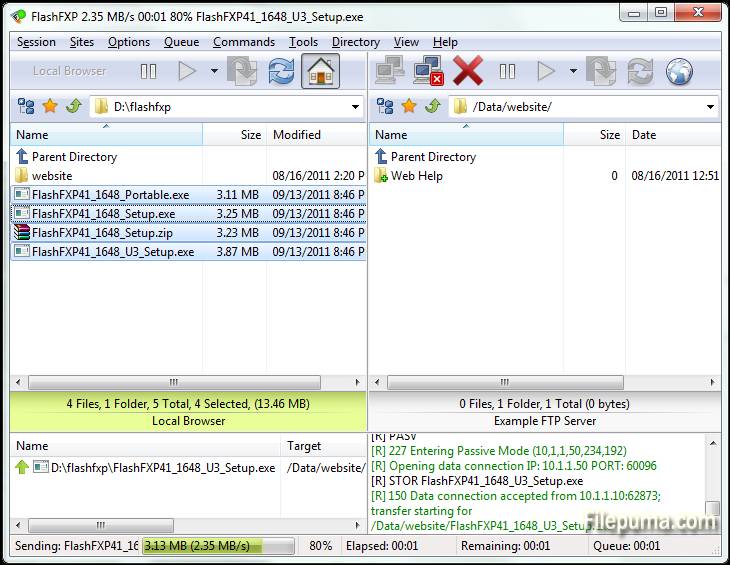
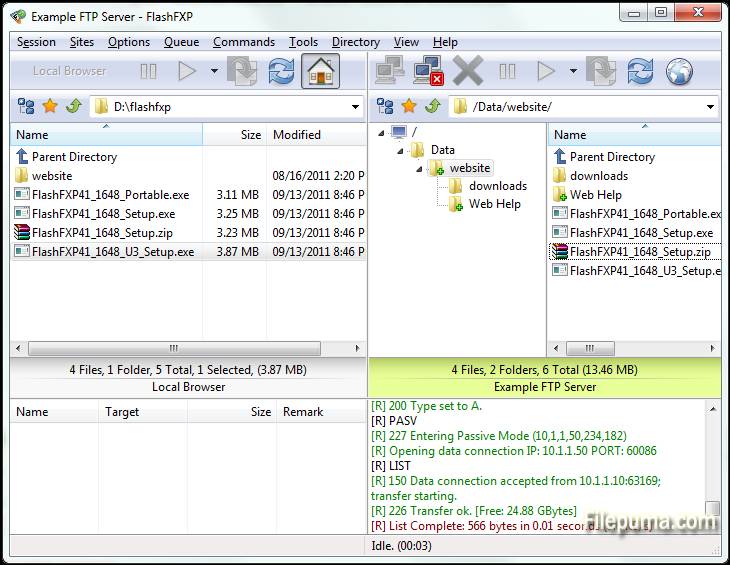
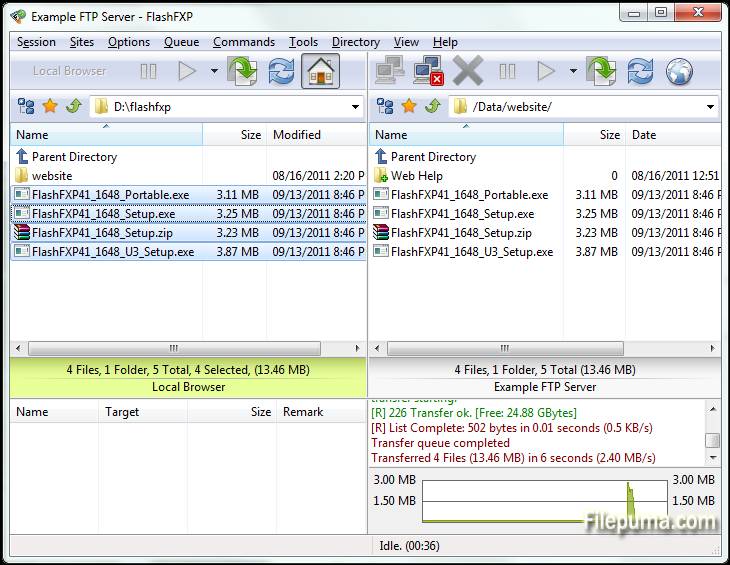
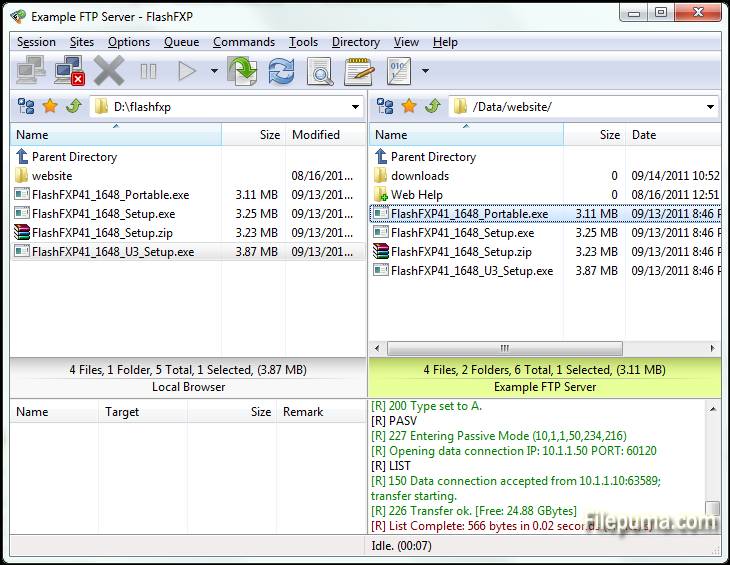
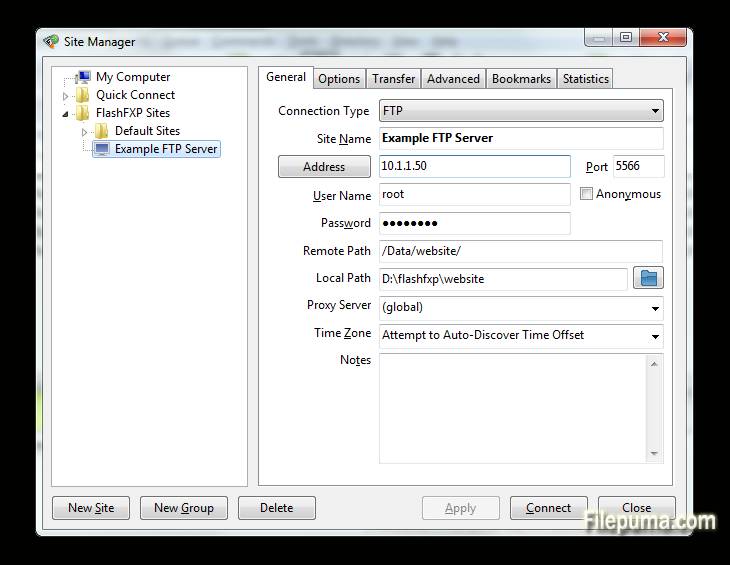


FlashFXP is a powerful FTP, FTPS, SFTP, and FXP client designed for both home and professional users. With a user-friendly interface, FlashFXP allows seamless file transfers between local and remote servers, ensuring smooth and efficient operations. It supports multiple file transfer protocols, making it versatile for a wide range of tasks, from simple file sharing to complex site management.
One of FlashFXP's key features is its robust file transfer queue, which enables users to queue multiple files for transfer, optimizing efficiency. The software also includes advanced site synchronization tools, ensuring that files are correctly mirrored between local and remote locations. Additionally, it supports drag-and-drop functionality, making file management easier and faster.
FlashFXP also offers security with support for encrypted connections via FTPS and SFTP. This ensures that sensitive data is transferred safely over the internet. The software provides a variety of customizable settings, allowing users to tailor the program to their specific needs and preferences.
FlashFXP is a reliable and feature-rich FTP client that caters to both casual users and professionals alike. Its combination of speed, security, and ease of use makes it a solid choice for anyone needing a robust file transfer solution.
Key Features:
- Multiple Protocol Support: Supports FTP, FTPS (SSL/TLS), and SFTP (SSH), allowing for secure file transfers.
- Drag-and-Drop Interface: Simple drag-and-drop functionality for transferring files between local and remote directories.
- Advanced Site Manager: Allows users to save and manage connections to multiple FTP, FTPS, and SFTP servers.
- Queued Transfers: Supports file transfer queuing, enabling multiple files or directories to be transferred sequentially.
- Transfer Resumption: Enables the resumption of interrupted file transfers, saving time and bandwidth.
- Customizable Transfer Rules: Users can configure transfer rules such as file filters and scheduled transfers.
- Bandwidth Throttling: Allows for control over bandwidth usage during file transfers, preventing network congestion.
- Multiple Simultaneous Connections: FlashFXP supports multiple connections to different servers for simultaneous transfers.
- SSL/TLS Encryption: Ensures secure data transmission with SSL/TLS encryption for FTPS connections.
- Folder Synchronization: Supports folder synchronization to keep local and remote directories in sync.
- File Integrity Check: Includes features like CRC-32, MD5, and SHA-1 checksums to verify file integrity.
- IPv6 Support: FlashFXP supports IPv6, ensuring compatibility with the latest networking standards.
What's New
- Fixed when Queuing/Transferring via the Server File Search dialog invalid characters in the source file-name were not replaced in the target file-name before attempting to download.
- Fixed the Queue Selected and Transfer Selected buttons were only functional when the browser pane was activated.
- When moving a file/folder via drag/drop in the local browser the "move file/folder" confirmation prompt is now correctly shown.
- Added new global remote edit option located in the Preferences dialog under the "View/Edit file" section named "Create a backup copy of file original file on upload". On the first edit of a file a backup is created named ., the timestamp is the current modified date/time of the file.
- Added new per-file-association option located in the File Associations dialog named "Create a backup copy of file original file on upload".
- Changed the behavior of the Server File Search dialog, you can now minimize this dialog.
- Added new /dialog custom command to open dialogs used within FlashFXP, this allows the user to bind a custom shortcut to open these dialogs, more information can be found in the help file.
- Fixed remote browser caching issue when connected to two remote servers (one in each browser pane) when performing a Server File Search on one side while navigating folders on the opposite remote browser caused the folders to not be cached.
- Fixed remote browser caching issue where a failed directory listing or aborting the list operation would clear the cache for all child folders.
- Fixed issue where FlashFXP would sometimes fail to refresh/update the directory content of shared folders when running under a VirtualBox VM, these drives are virtual mapped drives and certain Windows Network API's cannot be called on them otherwise the function calls fail.
Program available in other languages
- Télécharger FlashFXP
- Herunterladen FlashFXP
- Scaricare FlashFXP
- ダウンロード FlashFXP
- Descargar FlashFXP
- Baixar FlashFXP
User Reviews
User Rating
 5
5
License:
Free Trial
Requirements:
Windows XP/ Vista/ Windows 7/ Windows 8
Languages:
Multi-languages
Size:
5.3MB
Publisher:
Updated:
Aug 10, 2015
Clean
Report Software
Latest Version
Old Versions
Developer's Software
 FlashFXP 5.4.0 build 3970
 FileZilla Client (64bit) 3.69.6
 FileZilla Client (32bit) 3.69.6
 WinSCP 6.5.5
 Core FTP LE (64bit) 2.2.1960
Security Levels
To avoid any potential harm to your device and ensure the security of your data and privacy, our team checks every time a new installation file is uploaded to our servers or linked to a remote server and periodically reviews the file to confirm or update its status. Based on this checking, we set the following security levels for any downloadable files.
 Clean
Clean
It is highly likely that this software program is clean.
We scanned files and URLs associated with this software program in more than 60 of the world's leading antivirus services; no possible threats were found. And there is no third-party softwarebundled.
 Warning
This program is advertising supported and may offer to install third-party programs that are not required. These may include a toolbar, changing your homepage, default search engine, or installing other party programs. These could be false positives, and our users are advised to be careful when installing and using this software.
 Disabled
This software is no longer available for download. It is highly likely that this software program is malicious or has security issues or other reasons.
Submit a Report
Thank you!
Your report has been sent.
We will review your request and take appropriate action.
Please note that you will not receive a notification about anyaction taken dueto this report.We apologize for anyinconvenience this may cause.
We appreciate your help in keeping our website clean and safe.