

FlashFXP5.1.0.3817
 Teste gratuito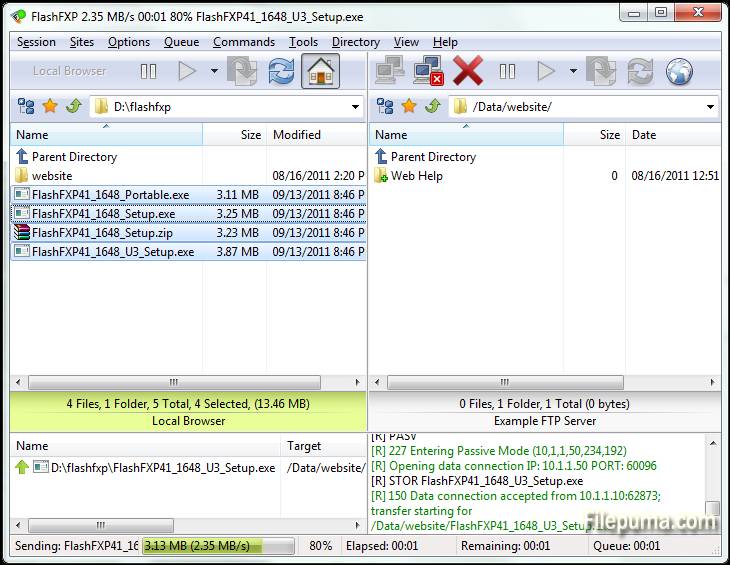
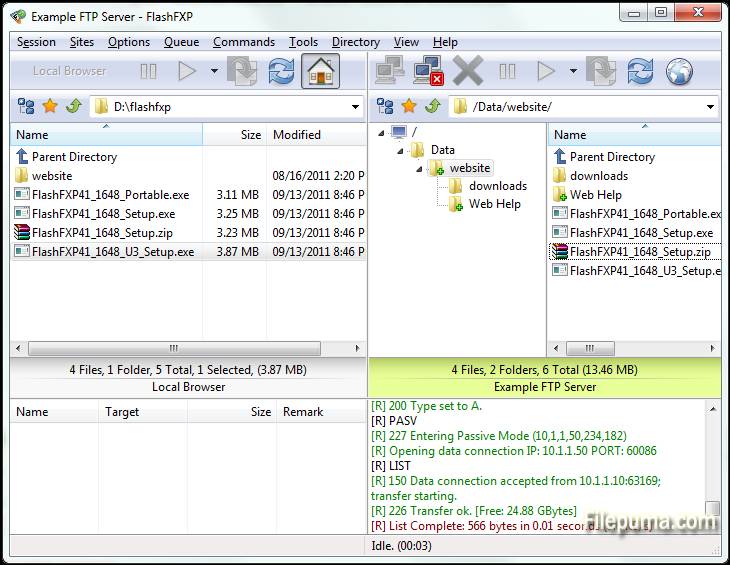
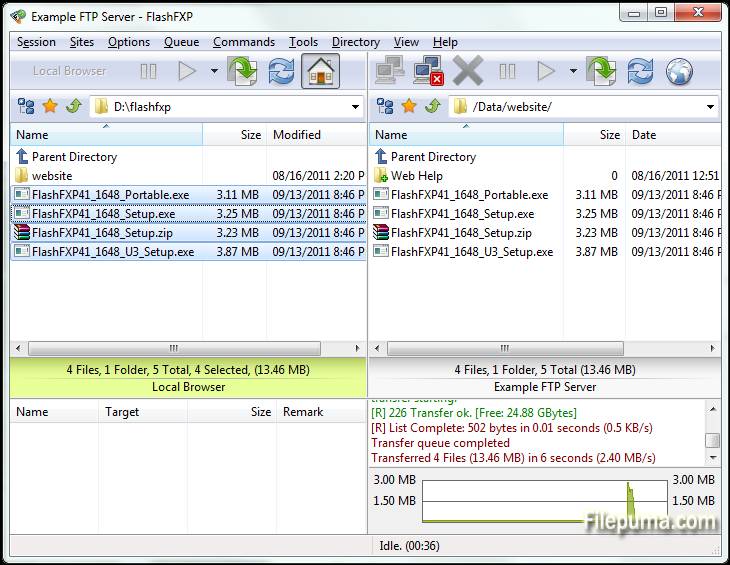
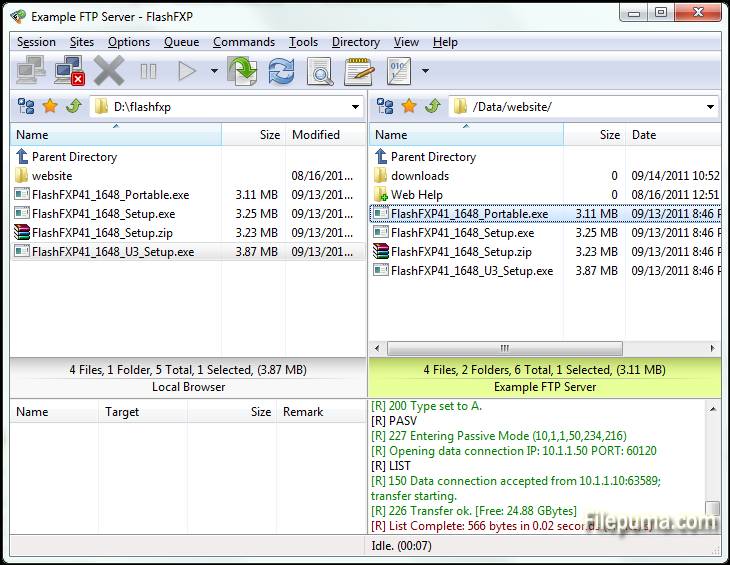
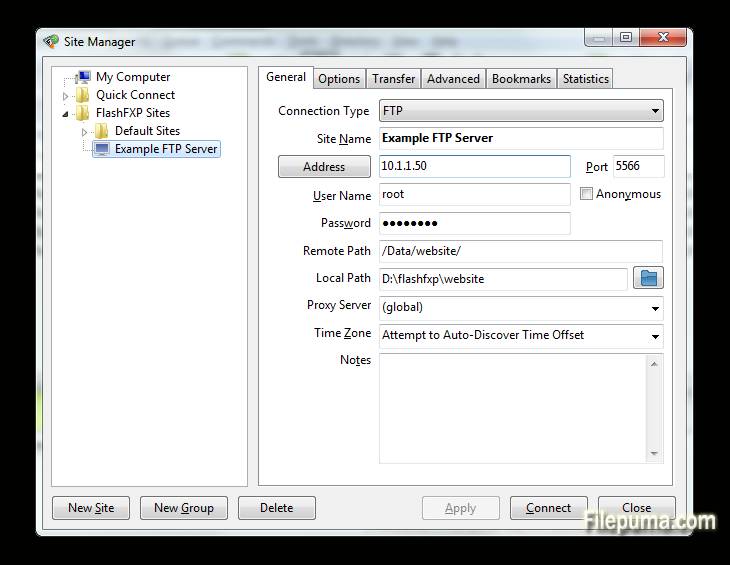


FlashFXPé um cliente poderoso de FTP, FTPS, SFTP e FXP, projetado tanto para usuários domésticos quanto profissionais. Com uma interface amigável, FlashFXP permite transferências de arquivos sem interrupções entre servidores locais e remotos, garantindo operações suaves e eficientes. Ele suporta múltiplos protocolos de transferência de arquivos, tornando-o versátil para uma ampla gama de tarefas, desde o compartilhamento simples de arquivos até a gestão complexa de sites.
Um dosFlashFXPUma das principais características é sua robusta fila de transferência de arquivos, que permite aos usuários enfileirar múltiplos arquivos para transferência, otimizando a eficiência. O software também inclui ferramentas avançadas de sincronização de sites, garantindo que os arquivos sejam corretamente espelhados entre locais locais e remotos. Além disso, ele suporta a funcionalidade de arrastar e soltar, facilitando e acelerando o gerenciamento de arquivos.
FlashFXPtambém oferece segurança com suporte para conexões criptografadas via FTPS e SFTP. Isso garante que dados sensíveis sejam transferidos com segurança pela internet. O software oferece uma variedade de configurações personalizáveis, permitindo que os usuários ajustem o programa às suas necessidades e preferências específicas.
FlashFXPé um cliente FTP confiável e rico em recursos que atende tanto usuários casuais quanto profissionais. Sua combinação de velocidade, segurança e facilidade de uso o torna uma escolha sólida para qualquer pessoa que precise de uma solução robusta de transferência de arquivos.
Principais Características:
- Suporte a Múltiplos Protocolos: Suporta FTP, FTPS (SSL/TLS) e SFTP (SSH), permitindo transferências de arquivos seguras.
- Interface de Arrastar e Soltar: Funcionalidade simples de arrastar e soltar para transferir arquivos entre diretórios locais e remotos.
- Advanced Site Manager: Permite que os usuários salvem e gerenciem conexões com vários servidores FTP, FTPS e SFTP.
- Transferências em Fila: Suporta a fila de transferência de arquivos, permitindo que múltiplos arquivos ou diretórios sejam transferidos sequencialmente.
- Retomada de Transferência: Permite a retomada de transferências de arquivos interrompidas, economizando tempo e largura de banda.
- Regras de Transferência Personalizáveis: Os usuários podem configurar regras de transferência como filtros de arquivo e transferências agendadas.
- Limitação de Banda: Permite o controle do uso de banda durante transferências de arquivos, prevenindo congestionamento de rede.
- Conexões Múltiplas Simultâneas: O FlashFXP suporta várias conexões a diferentes servidores para transferências simultâneas.
- Criptografia SSL/TLS: Garante a transmissão segura de dados com criptografia SSL/TLS para conexões FTPS.
- Sincronização de Pastas: Suporta a sincronização de pastas para manter os diretórios locais e remotos sincronizados.
- Verificação de Integridade de Arquivo: Inclui recursos como verificações de soma CRC-32, MD5 e SHA-1 para verificar a integridade do arquivo.
- Suporte a IPv6: FlashFXP suporta IPv6, garantindo compatibilidade com os padrões de rede mais recentes.
O que há de novo
- Fixed: When FlashFXP is running as a scheduled task, if the user restored FlashFXP from the system tray the main application window was blank.
- Fixed: High DPI scaling issue where the statusbar transfer progress panel was not scaled.
- Fixed: An issue where in some situations the remote file listing cache was stale and regardless of the settings it should of been purged and re-cached. i.e. within a single queue; upload a folder to a site followed by downloading the same folder to the users computer in new location. The download would fail because the cache was stale.
- Fixed: An issue uploading files where the source path+filename was 260 characters or longer.
- Fixed: on the confirmation prompt "Opening separate shell session" the check-box "Don't show this dialog again" the text was missing a UTF-8 to Unicode conversion.
- Fixed: In the remote file browser when sorting by column (owner, group, attrib) the sorted result was incorrect due to a logic error evaluating the "parent directory" item.
- Fixed: SFTP / Keyboard authentication issue. [BUG ID: 1020]
- Updated SBB library (used for x.509 certificates, public/private keys, ssh, and sftp)
- New command script macro: /busybox Displays a busy dialog during script execution with a cancel button.
- Major change to the way FlashFXP handles remote directory listings. Now the auto-detect setting detects UTF-8 and converts non-UTF8 text using the operating system code page. Previously non UTF-8 was displayed using the Windows 1252 code page. This caused problems displaying non-English text such as Korean and Chinese. This change may result in some text being displayed incorrectly. If you experience problems please let me know ASAP. Please provide the name and version of the FTP server software and the language as well as the OS version and language. Additional information may be required.
- Changed: Many internal Unicode to UTF-8 conversions were changed from using CP 1252 to using the operating system locale CP.
- Fixed entering a Unicode pathname in the drop-down path breadcrumb could fail.
- Fixed the Active Edits feature did not always handle Unicode file-names correctly.
- Fixed an issue with timestamps in the session console window, resulting in some incorrect timestamps.
- Changed: Timestamps in the session console window, if you turn timestamps on you will now see timestamps for pre-existing lines in the window.
- Fixed issue with the font select dialog; the font preview used the wrong color.
- Cleaned up parts of the transfer queue routine and removed some flawed code that attempted to swap the direction of a queue item.
- Changed: When a delete operation is performed via the transfer queue FlashFXP makes sure that there are no failed transfers pending, if any are found then they are reset and retried, if the transfer fails again then the transfer queue is now aborted. In Previous builds the delete operation was marked as failed and skipped and the queue continued.
- Major speed improvement when downloading from a ProFTPD/mod_sftp Server.
- Fixed SSH/SFTP compatiblity issue with Sun_SSH that resulted in incomplete/failed uploads.
- Major overhaul to the custom command script engine to resolve an issue where command blocks and script macro includes were sometimes executed in the wrong order. THIS MAY BREAK PRE-EXISTING CUSTOM COMMAND SCRIPTS THAT RELY ON OUT OF ORDER EXECUTION. PLEASE VERIFY THAT THEY WORK AS EXPECTED.
- Fixed an issue in command scripts that caused /shell { } command blocks to stop working.
- Improved the %c (clipboard text) token when the clipboard contains multiple lines of text and is used with the /shell command. i.e. "/shell %c"
- Fixed Unicode encoding issue in the /writeln command when the output filename contained non-UF8 characters.
- Fixed an issue with the /select* commands in the remote browser where the current item selection wasn't correctly cleared before being applied.
- Fixed an issue in the local browser where in some situations the wrong icon was displayed for an item.
- Fixed an issue with using -get with a ftp:// url via the command line.
- Fixed an issue with FTPS uploads where the file transfer would fail and was treated as if it was successful. This could occur if the control channel was lost and the data data channel successfully completed a graceful TLS shutdown without actually sending the entire file.
- Added raw command "/set app.icon.static 1" to set the taskbar/window icon to a static icon, rather than change based on the current state.
- Added raw command "/set app.closetotray 1" to change the behavior of FlashFXP when clicking the close button to minimize to the tray rather than exit. To exit FlashFXP you need to either use Exit from under the Session menu or the tray right-click menu.
- Fixed UTF-8/Unicode encoding issue when using a selective transfer rule that contains UTF-8 encoded characters in the Edit Queue and Edit Scheduled Task dialogs.
- Fixed an issue with selective transfer rules; when the files list action is set to transfer and folder list action is set to skip and the entry in the folder list is an exact match (no wildcard/regex) the folder list action could be ignored and allow the matching folder to transfer.
- Fixed Site Manager > Site Profile > TCP/IP Buffer size > Send/Receive values were reversed on load.
- Fixed double UTF-8 encoding on some SFTP status messages shown in the console window.
- Fixed local browser modified date was rounded to the nearest even second. The SHGetDataFromIDList api doesn't mention this limitation.
Programa disponível em outras línguas
- Download FlashFXP
- Télécharger FlashFXP
- Herunterladen FlashFXP
- Scaricare FlashFXP
- ダウンロード FlashFXP
- Descargar FlashFXP
Avaliações dos usuários
Classificação do Usuário
 5
5
Licença:
Teste gratuito
Requisitos:
Windows XP/ Vista/ Windows 7/ Windows 8
Idiomas:
Multi-languages
Tamanho:
5.3MB
Editor:
Atualizado:
Mar 16, 2015
limpo
Reporte o software
Última Versão
Versões Antigas
Software do Desenvolvedor
 FlashFXP 5.4.0 build 3970
 FileZilla Client (64bit) 3.69.6
 FileZilla Client (32bit) 3.69.6
 WinSCP 6.5.5
 Core FTP LE (64bit) 2.2.1960
Níveis de Segurança
Para evitar qualquer dano potencial ao seu dispositivo e garantir a segurança dos seus dados e privacidade, nossa equipe verifica cada vez que um novo arquivo de instalação é carregado em nossos servidores ou vinculado a um servidor remoto e revisa periodicamente o arquivo para confirmar ou atualizar seu status. Com base nessa verificação, definimos os seguintes níveis de segurança para quaisquer arquivos que possam ser baixados.
 limpo
limpo
É altamente provável que este programa de software seja seguro.
Analisamos arquivos e URLs associados a este programa de software em mais de 60 dos principais serviços de antivírus do mundo; nenhuma possível ameaça foi encontrada. E não há software de terceiros incluído.
 Aviso
Aviso
Este programa é sustentado por publicidade e pode oferecer a instalação de programas de terceiros que não são necessários. Estes podem incluir uma barra de ferramentas, mudança da sua página inicial, motor de busca padrão ou instalação de outros programas de terceiros. Estes podem ser falsos positivos e aconselhamos nossos usuários a terem cuidado ao instalar e usar este software.
 Desabilitado
Este software não está mais disponível para download. É altamente provável que este programa de software seja malicioso ou tenha problemas de segurança ou outros motivos.
Enviar um relatório
Obrigada!
Seu relatório foi enviado.
Vamos revisar sua solicitação e tomar as medidas apropriadas.
Por favor, observe que você não receberá uma notificação sobre qualquer ação tomada devido a este relatório. Pedimos desculpas por qualquer inconveniente que isso possa causar.
Agradecemos sua ajuda em manter nosso site limpo e seguro.